Loading video…
All breakouts
 229 videos128 creators
1.8KApp DemoPOV / Skit hookSaaS
Hook
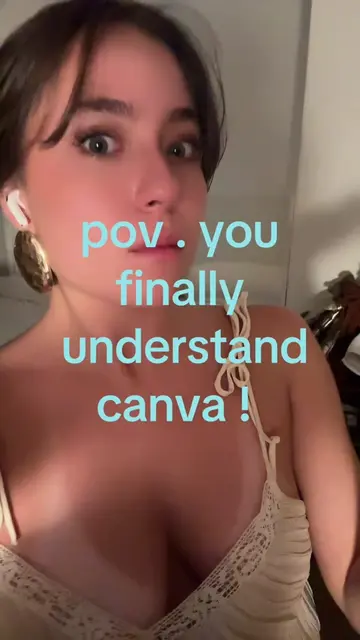
POV. you finally understand canva !
@createwithnattt2
4.6K followers · usually 450 views a post
Views
742.1K
Likes
57.4K
Comments
86
Shares
3.3K
Promoted product
Canvacanva.com
Why it worked
The video effectively demonstrates a practical workflow for content creators, combining two popular tools (Canva and ChatGPT) to solve a common problem (creating engaging Instagram carousels). The 'POV' hook and the clear, step-by-step demonstration make it relatable and easy to follow.
Summary
The video demonstrates how to use Canva and ChatGPT to create an Instagram carousel. It shows the process of going to Canva, opening a new design, using ChatGPT to generate ideas, and then using a Canva app called 'Carousel Studio' to create the carousel based on the prompt.
Structure
- 1Open Canva
- 2Use ChatGPT for ideas
- 3Search for 'Carousel Studio' in Canva apps
- 4Input prompt and generate carousel
Original caption
so so easy #canvatips #canvahacks #canvadesign
More from @createwithnattt2
More breakout videos from this creator.