Loading video…
All breakouts
 229 videos128 creators
6.4App DemoDirect Question hookSaaS
Hook
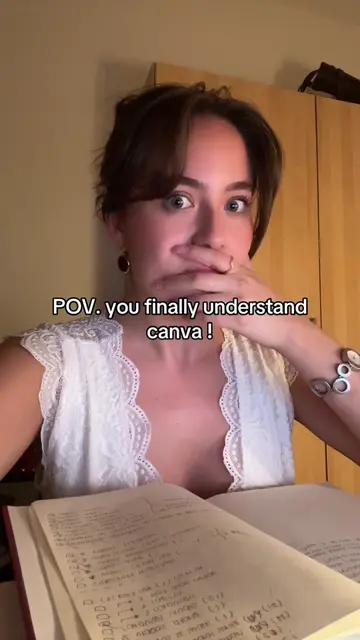
Canva can do WHATT NOW?!!!!
@createwithnattt2
4.6K followers · usually 450 views a post
Views
3.2K
Likes
85
Comments
1
Shares
8
Promoted product
Canvacanva.com
Why it worked
The video effectively showcases a powerful new feature within a widely used platform (Canva), demonstrating a practical application (creating social media content) that directly addresses a common user need. The use of AI for content generation is a trending topic, making the content highly relevant and shareable.
Summary
The video demonstrates how to use Canva's AI features to create an Instagram carousel post. It shows the process of opening a new design, using ChatGPT to generate ideas, and then utilizing Canva's Carousel Studio to generate the post content.
Structure
- 1Introduce Canva's new AI capabilities
- 2Use ChatGPT to generate carousel ideas
- 3Utilize Canva's Carousel Studio
- 4
Original caption
this is amazing ! #canva #canvahacks #canvatips
More from @createwithnattt2
More breakout videos from this creator.