Loading video…
All breakouts
 229 videos128 creators
71.9App DemoPOV / Skit hookSaaS
Hook
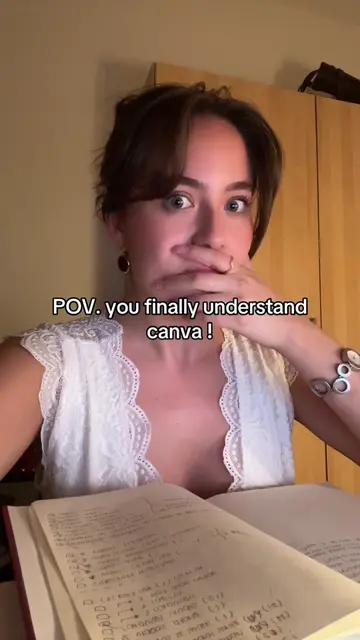
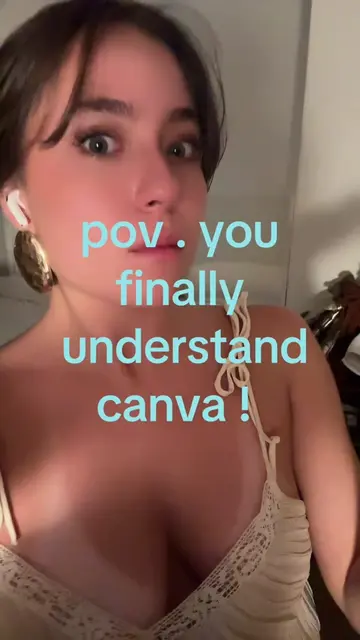
POV. you finally understand canva !!!
@createwithnattt2
4.6K followers · usually 450 views a post
Views
33.3K
Likes
1.4K
Comments
2
Shares
89
Promoted product
Canvacanva.com
Why it worked
The video effectively demonstrates a practical workflow for creating social media content, combining popular tools like Canva and ChatGPT. It appeals to creators looking for efficient design solutions and offers a clear, step-by-step guide.
Summary
The video demonstrates how to use Canva and its integrated Carousel Studio app to create social media carousel posts. It shows the process of opening Canva, generating ideas with ChatGPT, and then using Carousel Studio to design the post.
Structure
- 1Opening Canva
- 2Using ChatGPT for ideas
- 3Opening Carousel Studio
- 4Generating and customizing carousel
Original caption
the best time saver hack #canvahacks #canvadesign #canvatips #socialmedia
More from @createwithnattt2
More breakout videos from this creator.