Loading video…
All breakouts
 229 videos128 creators
32.5App DemoDirect Question hookSaaS
Hook
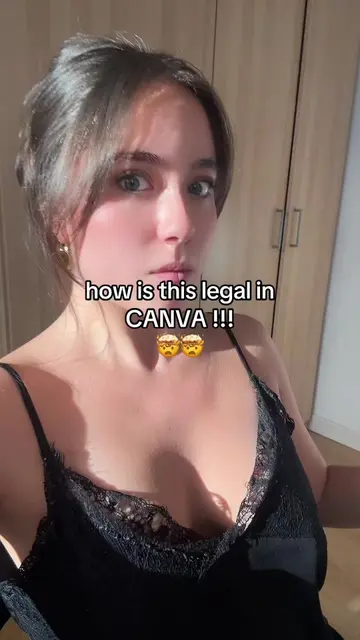
how is this legal in canva ?
@createwithnattt2
4.6K followers · usually 450 views a post
Views
15.0K
Likes
446
Comments
1
Shares
19
Promoted product
Canvacanva.com
Why it worked
The video leverages a common user pain point (designing social media content) and offers a novel solution using AI within a popular platform (Canva). The "how is this legal" hook creates intrigue, and the demonstration of a seamless workflow between ChatGPT and Canva provides practical value.
Summary
The video demonstrates how to use Canva's AI features to generate social media content ideas. It shows the user opening Canva, creating a new design, and then using ChatGPT to get ideas, which are then pasted back into Canva to create a carousel post.
Structure
- 1Open Canva
- 2Create new design
- 3Get ideas from ChatGPT
- 4Paste prompt into Canva
Original caption
like how ? #canvahacks #canvadesign #canvatips
More from @createwithnattt2
More breakout videos from this creator.