Loading video…
All breakouts
5.2Talking HeadHow-To hookCreator Economy
Hook
Multiple TikTok Accounts on one device
@themuthership
1.2M followers · usually 5.4K views a post
Views
27.2K
Likes
741
Comments
48
Shares
82
Promoted product
Muthershp Creator Studio
Why it worked
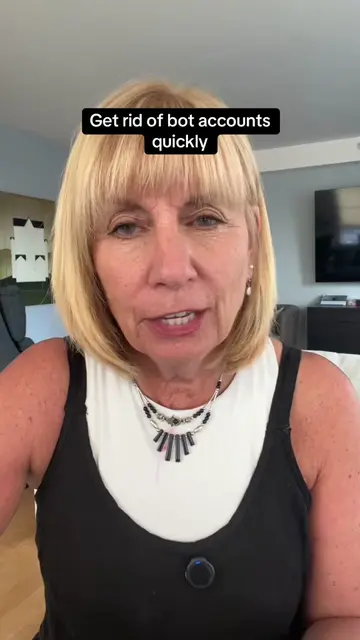
The video addresses a common user pain point of managing multiple TikTok accounts, providing a clear and concise tutorial. The creator's relatable approach and the practical nature of the information likely contributed to its shareability and engagement.
Summary
This video demonstrates how to add and switch between multiple TikTok accounts on a single device. The creator explains the process of tapping on the username to access the account switching menu and how to add a new account using a separate phone number or email.
Structure
- 1Intro and explanation of the video's purpose
- 2Demonstration of switching between existing accounts
- 3Demonstration of adding a new account
- 4Explanation of requirements for a new account
- 5
Original caption
Need a separate account for your business or another style of content? No problem. ✅ #tiktoktips #tiktokhelp #multipleaccounts
More from @themuthership
More breakout videos from this creator.