Loading video…
Sound

original sound - themuthership
themuthership tiktok helen 💙 · Original audio
0:00–:––
Playing this video’s own audio, so you’ll hear the creator over the sound.
This video promotes it, but we haven’t matched it to a product page yet, so there are no product figures.
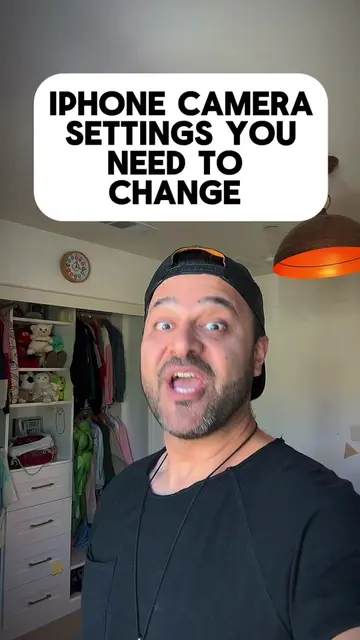
The video provides practical, actionable advice on optimizing iPhone camera settings, a common pain point for content creators. The creator's clear explanations and demonstration make the information easy to follow and implement, leading to high engagement.
The creator shares their iPhone camera settings for optimal video recording. They explain the differences between front and back cameras, recommended video resolutions and frame rates, and how to adjust settings like stabilization, HDR, and audio recording.
Replying to @William Disclaimer: These are suggestions based on my content preferences 😘🎥 #iphonetips #phonesettings #themuthership
IF YOU'RE WONDERING
Introduction and question about camera settings
Explaining front vs. back camera quality
Demonstrating video recording settings (resolution, FPS)
Discussing stabilization, HDR, and audio settings
Covering composition and photo capture settings
Concluding with community and retreat promotion
iPhone: ACTS - the phone's camera settings are being adjusted and demonstrated. Removing it would change the video. Apple: APPEARS - it is the brand of the phone. Removing it would not change what happens in the video.
Go check out the link in the profile.
Playing this video’s own audio, so you’ll hear the creator over the sound.
Promotes 2 products. Create free account to see more.
Outliers and viral hits: their videos on Overshot, all time.