Loading video…
Sound

original sound - orico.global
ORICO · Original audio
0:00–:––
Playing this video’s own audio, so you’ll hear the creator over the sound.
The video effectively showcases a practical solution to a common problem (limited storage on Mac minis) with a clear visual demonstration. The use of on-screen text to highlight key features like storage capacity and setup simplicity makes it easily digestible and appealing to the target audience.
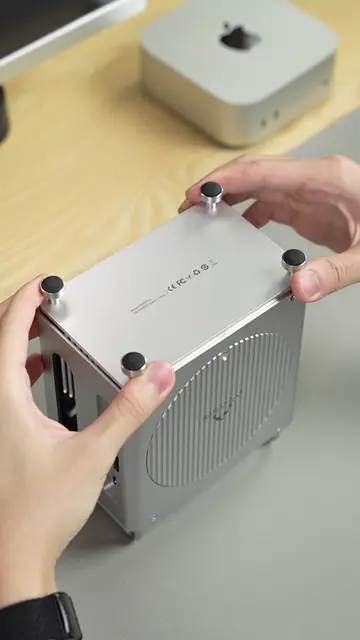
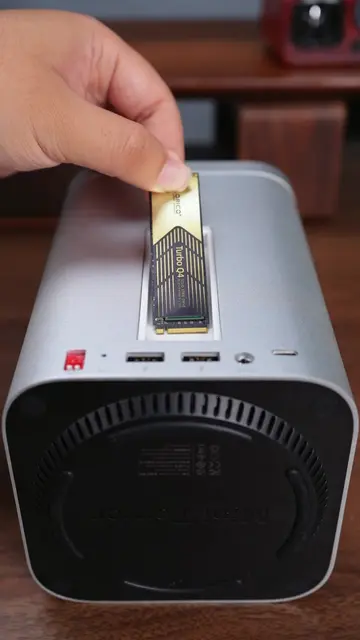
The video demonstrates how to expand the storage and connectivity of a Mac mini using an ORICO enclosure. It shows the installation of SSDs and the connection of various ports, highlighting the ease of setup and increased storage capacity.
Just go ahead and add an 8TB SSD and an extra USB port to your Mac mini!#Tech #enclosure #accessories #DIY #fc #desksetup #technology #desk #techtok #computer #storage #magnetic #memory #ssd #dockingstation #macmini #orico
00:00
Showing Mac mini and storage components
Installing SSDs into the ORICO enclosure
Connecting the enclosure to the Mac mini
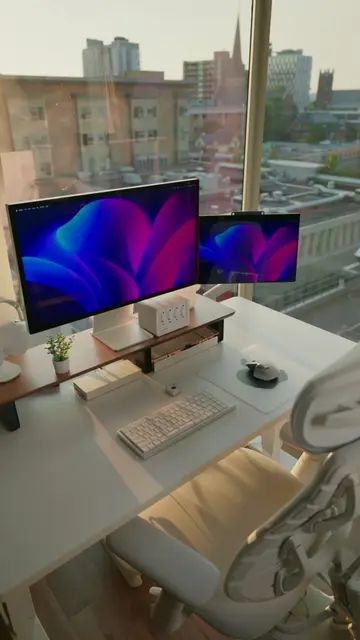
Demonstrating ports and display output
Highlighting storage expansion and setup
ORICO acts as a docking station and storage expansion device for a Mac mini. Removing it would change the video's content as it is the subject of the demonstration. ORICO is also visible as a logo on the device itself, which acts as branding. Removing this logo would not change the video's content.
Playing this video’s own audio, so you’ll hear the creator over the sound.
Outliers and viral hits: their videos on Overshot, all time.
Mac mini enclosure that adds storage and connectivity for desktop users
All time.