Loading video…
All breakouts
516Talking HeadDirect Question hookEducation
Hook
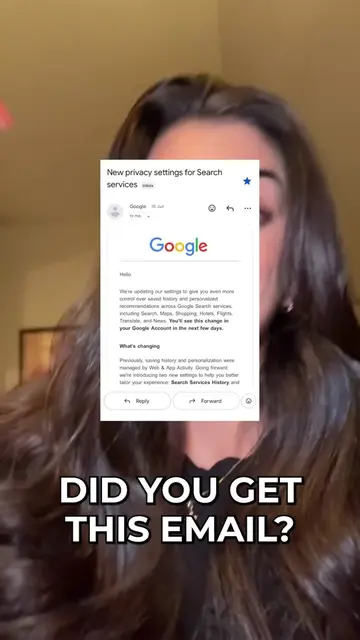
DID YOU GET THIS EMAIL?
@cybersecuritygirl
623.6K followers · usually 3.0K views a post
Views
1.9M
Likes
136.2K
Comments
667
Shares
22.4K
Promoted product
Google Search Services Historymyactivity.google.com ↗
Why it worked
The video addresses a timely and concerning privacy issue related to a widely used platform (Google), providing actionable steps in a concise and easy-to-follow manner. The creator's expertise in cybersecurity adds credibility, and the use of on-screen text and clear instructions makes the information accessible.
Summary
This video explains a new privacy setting from Google regarding search history and how it collects user data. It guides viewers on how to access their Google activity controls and disable specific settings like "Search Services History" and "Web and App Activity" to protect their privacy.
Structure
- 1Hook: Did you get this email?
- 2Explain Google's new privacy setting and its implications.
- 3Show how to navigate to Google's activity controls.
- 4Instruct on disabling specific history settings.
- 5Advise on setting reminders and sharing the information.
Product placement
Google (company): ACTS - sends an email about new privacy settings for Search services, which affects how user data is used for personalization. Removing it would mean users don't get this notification. Google (company): ACTS - collects user data for personalization. Removing this would change how the service functions. myactivity.google.com (website): ACTS - is the URL where users can manage their Google activity settings. Removing it would prevent users from accessing these controls. Cybersecurity Girl (creator): APPEARS - creator's handle and name are displayed on screen. Removing it would not change what happens in the video.
Original caption
Did you get this email?
More from @cybersecuritygirl
More breakout videos from this creator.