Loading video…
All breakouts
15.1Talking HeadDirect Question hookEducation
Hook
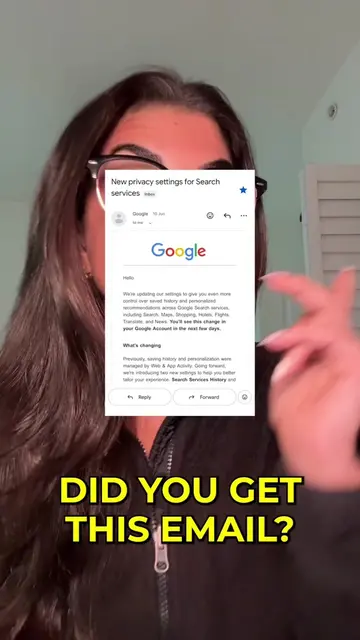
DID YOU GET THIS EMAIL?
@cybersecuritygirl
623.6K followers · usually 3.0K views a post
Views
44.5K
Likes
2.0K
Comments
22
Shares
391
Promoted product
Why it worked
The video addresses a common user concern about data privacy and Google's data collection practices, providing a clear, actionable solution with step-by-step instructions and visual cues.
Summary
This video explains a new Google setting called "Search Services History" that saves photos searched with Google Lens, voice searches, and translated phrases to train AI models. It instructs viewers on how to disable this setting and related "Web and App Activity" settings to protect their privacy.
Structure
- 1Introduction and hook about a Google email
- 2Explanation of the "Search Services History" setting
- 3Demonstration of how the setting saves personal data
- 4Instructions on how to disable "Save Media"
- 5Instructions on how to disable "Voice Audio and Visual Search History"
- 6Call to action to save the video and follow the creator
Product placement
Original caption
Did you get this email?! If you use Google, you need to watch this. there are multiple ways of turning this off, one of which is explained in the video, but the way below is the easiest: Go to https://myactivity.google.com/search-services/settings on your phone or computer. Sign in to your Google account if needed. Turn off the Save Media toggle. This hasn’t been rolled out for everyone yet, so if you can’t see it, be sure to save this post and set a reminder on your calendar to come back in a few weeks to check again. Follow for more online safety tips
More from @cybersecuritygirl
More breakout videos from this creator.