On-screen text
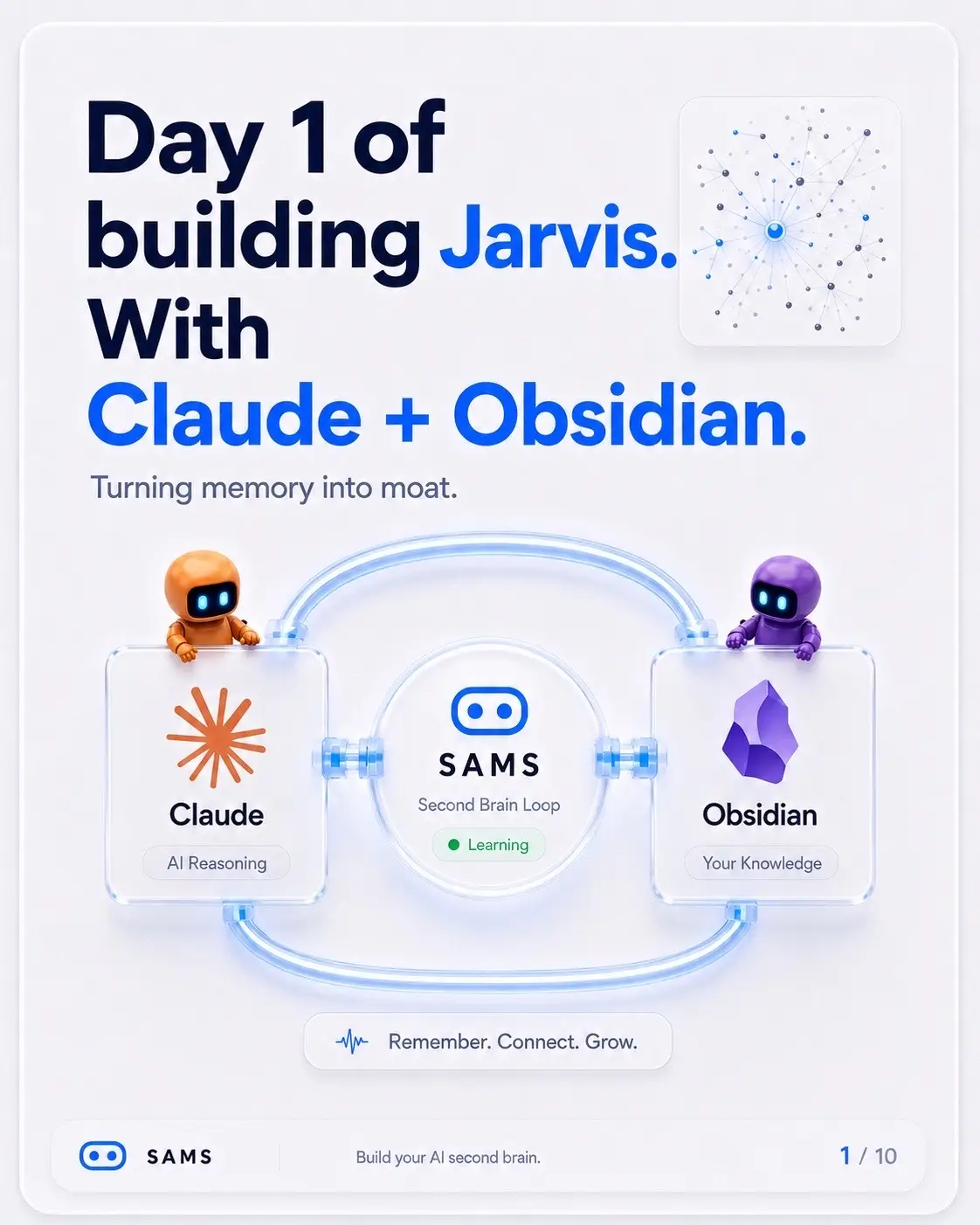
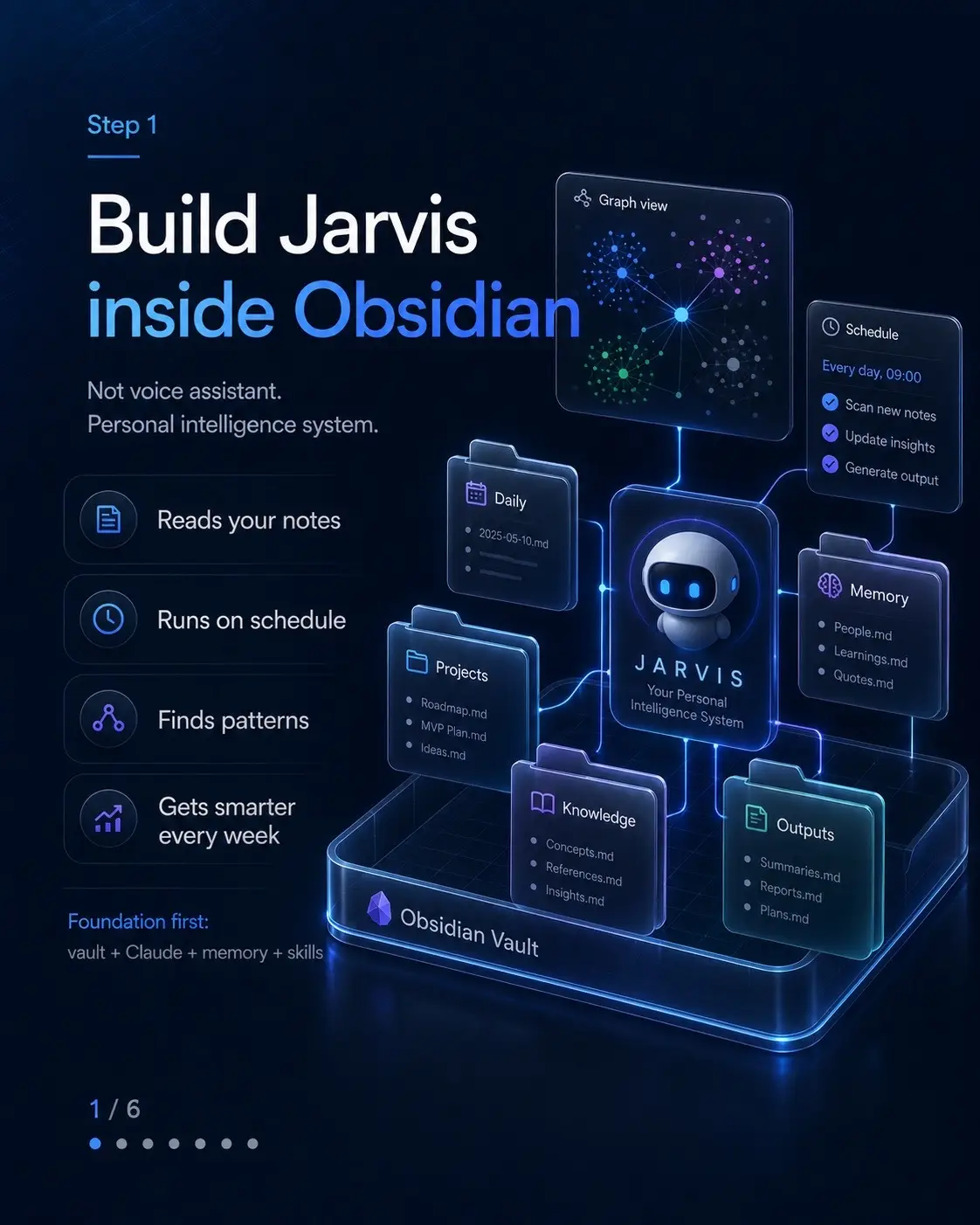
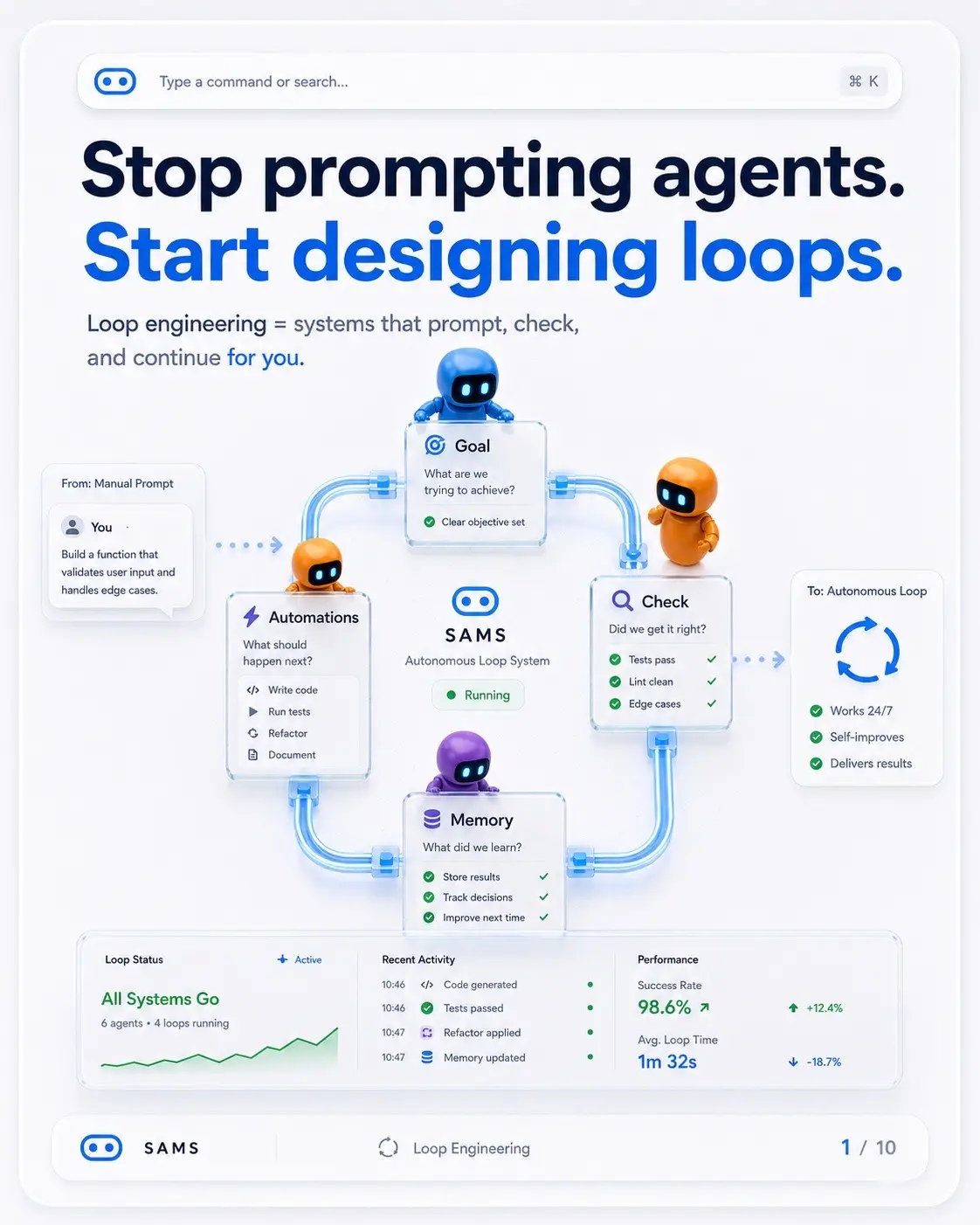
Day 1 of building Jarvis. With Claude + Obsidian.
Turning memory into moat.
SAMS
Second Brain Loop
Learning
Remember. Connect. Grow.
SAMS
Build your AI second brain.
Turn notes into memory.
Claude reads it. Obsidian stores it.
AI Second Brain
Capture ideas
Connect concepts
Build knowledge
Create leverage
Living Memory
Connected, organized,
and ready when you are.
Your context is scattered.
You waste time rebuilding what
you already know.
Notes app
Old chats
(never found again)
Browser tabs
Screenshots
and files
Ideas
in your head
One system.
Everything
connected.
Always
available.
SAMS
Stop losing your best ideas.
What you're actually building.
Four parts working together to create
your second brain.
1 Vault (Storage)
Your notes live in Obsidian
as local files you own.
2 Agent (Reasoning)
Claude reads, thinks,
and helps you take action.
3 Graph (Connections)
Everything links together
so ideas become easier
to find and build on.
4 Routines (Growth)
Skills, data, and schedules
keep your brain organized and
improving.
SAMS
Your second brain. Built with Claude & Obsidian.
By the end,
you'll have this.
A private, extensible system that remembers,
connects, and works for you.
CLAUDE.md
Your profile, goals and
preferences
Projects
Organised work
with clear flow
Skills
Reusable workflows
that save you time
Graphify Map
A map of your code
and knowledge
Live Data
Calendar, email,
and more
SAMS
Daily Routines
Automated tasks that
keep your brain sharp
Your second brain. On your terms.
What is
an IDE?
An IDE (Integrated Development
Environment) is your command
center for building software.
Write code
Edit smarter with syntax,
suggestions & more.
Run & debug
Test, fix, and improve
faster.
Manage projects
Everything in one
organized place.
Extensions
Add superpowers.
We'll use Visual Studio Code (VS Code).
It's free, powerful, and extensible.
SAMS
Let's build your AI second brain.
Install
VS Code
in seconds
A one-time setup that
unlocks the rest of the system.
1 Go to
code.visualstudio.com
2 Download
Choose your OS and
get the installer.
3 Install
Run the installer and
follow the steps.
4 Open
Launch VS Code
and you're in!
Code editing.
Redefined.
Free. Built on open source. Runs everywhere.
Download for macOS
Stable Build
SAMS
One-time setup. Big payoff.
Add Claude Code
extension
This connects Claude directly
inside VS Code.
1 Open Extensions
Click the Extensions icon
(⌘X / Ctrl+Shift+X).
2 Search
Type "Claude Code".
3 Install
Click Install.
4 Done
Look for the Claude icon
in your sidebar.
EXTENSIONS: MARKETPLACE
Claude Code
Claude Code
Claude at your fingertips
in VS Code
Install
SAMS
Connect Claude to your workspace.
What you get
inside VS Code
Claude sits inside your workspace
and helps across the whole flow.
Chat with Claude
ask questions
about your code
Edit with AI
generate, refactor,
improve
Understand faster
explain errors and logic
Safe & local
stay in control
of your files
Context-aware
reads your project,
not the whole internet
SAMS
AI superpowers, right in your IDE.
Obsidian:
your knowledge
vault
A local, privacy-first note app
built for connected thinking.
Local & private
Your notes live on
your device. Always yours.
Linked notes
Connect ideas with
backlinks.
Graph view
See your knowledge
as a living map.
Plain text
Future-proof and
fully portable.
Capture a thought
Add more notes
Connect ideas
Knowledge grows
SAMS
Store knowledge. Find clarity.
Why Obsidian pairs
perfectly
Claude reads it. You own it.
Together, they remember everything that matters.
SAMS
Claude
Obsidian
Your Knowledge
You think
Obsidian
stores
Claude
reasons
You grow
SAMS
A system that learns with you.
Set up
Obsidian.
Download it, install it,
then create a new vault.
This is where your second brain will live.
1 Go to
obisidian.md
2 Download
for your OS
3 Install
and open
SAMS
Your second brain. Built with Claude & Obsidian.
Create
your vault.
A vault is just a
folder for your notes.
Name it something
simple, like brain or
second-brain.
Create new vault
Vault name
second-brain
Location
/Users/you/Documents
Browse
Pick a safe place on your computer.
Create vault
SAMS
Your second brain. Built with Claude & Obsidian.
Learn 3 Obsidian
basics.
Notes. Links. Graph.
That's enough to understand the whole system.
Note
AI Second Brain
Capture ideas
Connect concepts
Build knowledge
Create leverage
[[Link]]
See also
[[AI Second Brain]]
Connects related
ideas and notes.
Graph View
See your knowledge
as a living map.
SAMS
That's the core. Everything else is built on it.
Turn on
community
plugins.
Plugins are add-ons that
give Obsidian new powers.
This is the door
to outside tools.
1 Settings
Editor
Files & Links
Appearance
Hotkeys
Community plugins
2 Community plugins
Browse and install community
made plugins.
INSTALLED
Calendar
Make schedules beautiful.
DataView
Query and visualize your notes.
3 Enable
Templater
Insert templates with ease.
SAMS
This is the door to outside tools.
Install Local
REST API.
This plugin is how Claude
talks to your vault.
Search, install, enable.
Community Plugins
Local REST API
Local REST API
Expose your vault via a local REST API.
Read, write, and query your notes.
By Bruno Paulino 125K
Updated 2 weeks ago
Install
1 Browse
Search for
Local REST API.
2 Install
Add the plugin
to your vault.
3 Enable
Turn it on to
activate the API.
SAMS
Your second brain. Built with Claude & Obsidian.
Copy
the API key.
This key gives Claude permission to connect.
Copy only the key string.
SAMS Plugin Settings
Connection
API Key
sk_live_51H8kX2mFq9vLP7R4jNZwz8gd3cT9pQ
Your API key is used to authorize Claude to access SAMS.
Status
Connected
Not included:
Bearer
Bearer sk_live_51H8kX2mFq9vLP7R4jNZwz8gd3cT9pQ
Do not include
Bearer or any other prefix.
Only copy the key string.
SAMS
Secure. Private. You're in control.
What is
MCP?
MCP is the bridge between
Claude and another tool.
Plugin -> Key -> MCP -> Connected.
Plugin
API Key
MCP Bridge
Connected
SAMS
Your second brain. Built with Claude & Obsidian.
Connect
Claude to
Obsidian.
Paste the setup command, add your key,
and run it in Claude Code.
Claude Code
# 1. Add SAMS to Claude Code
/mcp add sams --nx -y sams-mcp@latest
SAMS MCP server installed.
# 2. Add your Obsidian API key
/mcp set sams Obs_API_KEY-your_key_here
# 3. Verify the connection
/mcp list
sams (connected)
Claude
Obsidian
Your Knowledge
SAMS
This is the moment the vault becomes live.
Test the
connection.
Ask Claude to list every file in your vault.
If it reads your notes back,
the connection works.
You
Can you list every file
in my Obsidian vault?
Just give me the file
names.
Claude
Here are all the files
in your vault:
AI Second Brain
Daily Notes/2024-05-01.md
Ideas Inbox.md
MOC - AI.md
Readwise Highlights.md
...and 243 more files
SAMS
Connected. Verified. Ready to use.