Loading video…
All breakouts
11.2Talking HeadOther hookConsumer Apps
Hook
GOOGLE KEYBOARD
@justtechinfo
132.1K followers · usually 30.0K views a post
Views
325.1K
Likes
9.3K
Comments
706
Shares
412
Promoted product
Google Keyboard
Why it worked
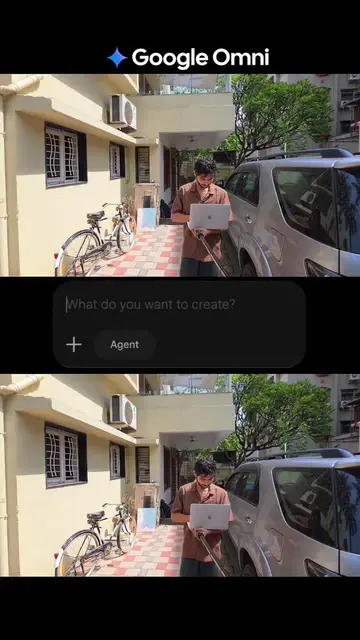
The video provides practical and easily applicable tips for a commonly used app, Google Keyboard. The use of clear visual demonstrations and a concise, step-by-step format makes the information accessible and valuable to a wide audience, encouraging engagement through follows and shares.
Summary
This video showcases five useful tricks for the Google Keyboard (Gboard) to enhance the user experience. It demonstrates how to customize themes, enable glide typing, access emoji suggestions, display a number row, and utilize voice typing for faster input.
Free accountLocked — create a free account to open
Transcript, structure and on-screen text
7 beats, a 195-word transcript and 12 lines of on-screen text — the parts you need to write your own version.
Original caption
Keyboard secret trick 😱😱 #fypシ #foryoupage #keyboard #iphonetricks #TechTips
More from @justtechinfo
More breakout videos from this creator.