Loading video…
All breakouts
7.4App DemoOther hookConsumer Apps
Hook
Whatsapp Mein
@justtechinfo
132.1K followers · usually 30.0K views a post
Views
214.3K
Likes
5.0K
Comments
30
Shares
362
Promoted product
WhatsApp
Why it worked
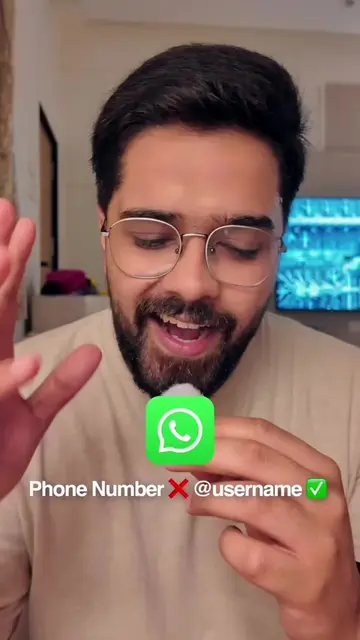
The video offers a practical privacy hack for a widely used app, addressing a common user concern about message visibility on lock screens. The clear demonstration and concise instructions make it easily shareable and valuable.
Summary
This video demonstrates a WhatsApp setting that hides message content from notifications. By turning off the 'Show content in notifications' option within the app's privacy settings, users can prevent message previews from appearing on their lock screen.
Free accountLocked — create a free account to open
Transcript, structure and on-screen text
6 beats, a 125-word transcript and 14 lines of on-screen text — the parts you need to write your own version.
Original caption
WhatsApp secret trick 😱 #fypシ #foryoupage #whatsapp #tipsandtricks #TechTips
More from @justtechinfo
More breakout videos from this creator.