Loading video…
All breakouts
 11 videos
48.1App DemoStory Open hookConsumer Apps
Hook
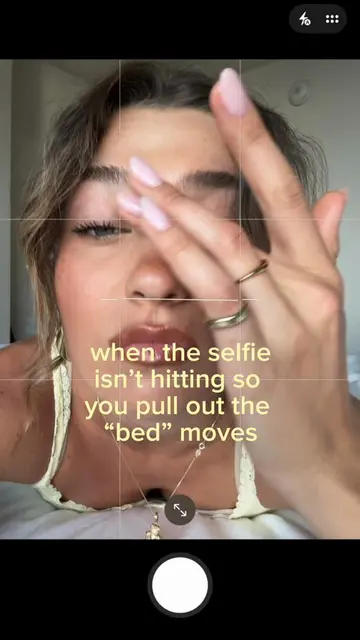
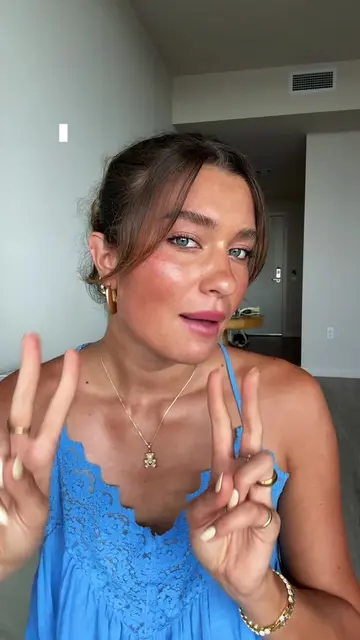
me just NEVER knowing how to pose in pics until I found this...
@nikiivictoria
1.6M followers · usually 16.8K views a post
Views
844.5K
Likes
68.0K
Comments
83
Shares
14.3K
Promoted product
Photogenikphotogenik.app
Pose Me for posing guidance. Guide Me for live coaching. Hands-free capture when you hold the shot.
Why it worked
The video solves a common, relatable pain point (not knowing how to pose) with a clear, visual 'before and after' demonstration of a tool that makes the process effortless.
Summary
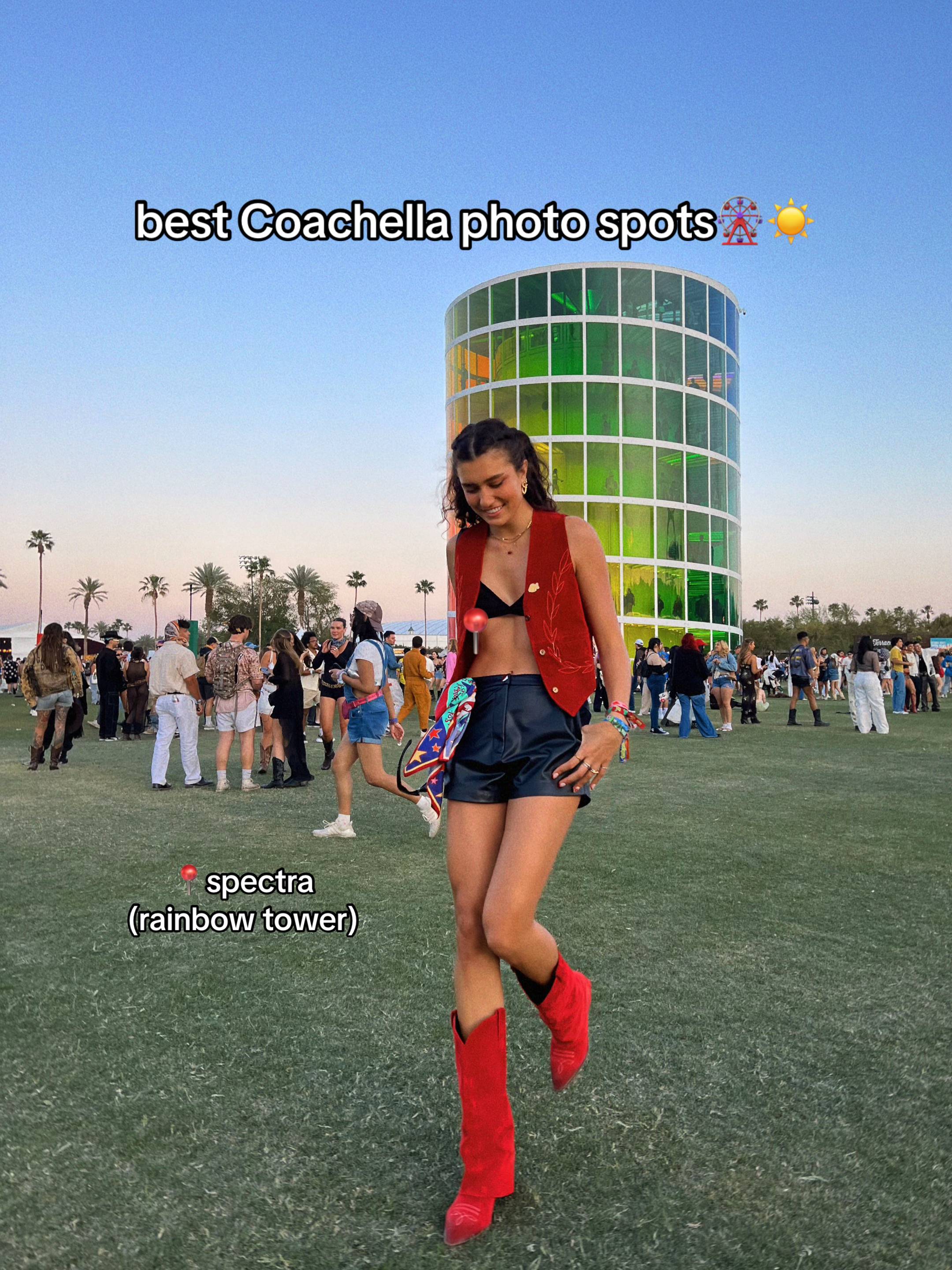
A creator demonstrates how she uses the Photogenik app to guide her posing for photos. She shows the app's interface, including the pose library and the scanning feature that suggests poses based on the environment.
Structure
- 1Creator expresses struggle with posing
- 2Introduction of the Photogenik app
- 3Demonstration of selecting a pose from the library
- 4Demonstration of the app's AR-style overlay guidance
Original caption
app is called Photogenik🤗 #posingtips #poseideas
More from @nikiivictoria
More breakout videos from this creator.