Loading video…
Sound

NASTY! - Sped Up
ByAstral
0:00–:––
- Videos using it
- 11
- Creators
- 6
- Views on those videos
- 1.4M
The video effectively showcases a practical and visually appealing use case for AI-powered design generation, demonstrating how two popular tools can be combined to streamline the creative process. The clear demonstration of generating multiple design options from a single prompt and the ability to edit them directly in Canva provides significant value to viewers interested in design and AI tools.
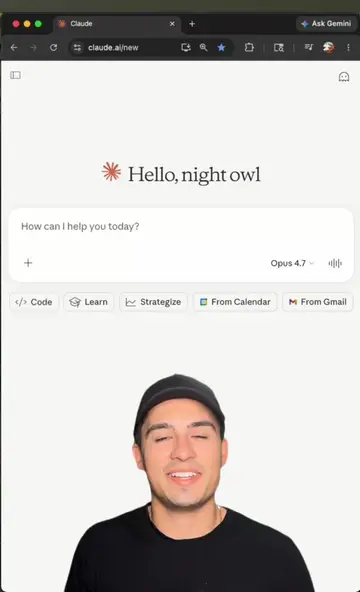
This video demonstrates how to connect Claude, an AI assistant, with Canva to generate design options from a single prompt. It showcases the creation of various marketing materials, including presentations, posters, and social media posts, which can then be edited directly within Canva.
Claude + Canva: From Prompt to Design 🚀 In this video, I show how to connect Claude to Canva and generate multiple design options from a single prompt. You can use it to create: Presentations, Posters, Social media posts & stories, Carousels, Marketing materials, And more Once the designs are ready, you can open them directly in Canva and customize everything. Perfect for content creators, designers, marketers, social media managers, and AI enthusiasts. Got a question? Drop it in the comments and I'll reply. #claude #canva #aiworkflow #aidesign #contentcreation @Claude @Canva
Claude + Canva = 🔥
Introduction of Claude and Canva integration
Connecting Claude to Canva
Generating design options from a prompt
Reviewing and selecting designs
Opening and editing designs in Canva
The video demonstrates the integration of Claude with Canva, showing how to generate designs within Canva using Claude's AI capabilities. The process involves connecting the two platforms, prompting Claude to create designs, and then opening and editing these designs in Canva.
Promotes 3 products. Create free account to see more.
Outliers and viral hits: their videos on Overshot, all time.
AI assistant for people solving work and creative tasks
Views and creators: posted in the last 30 days (English videos). Videos: all time.