Loading video…
Sound

NASTY! - Sped Up
ByAstral
0:00–:––
- Videos using it
- 11
- Creators
- 6
- Views on those videos
- 1.4M
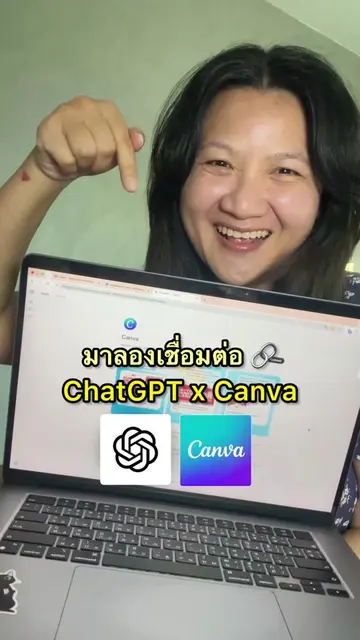
The video showcases a practical workflow that combines two popular tools (ChatGPT and Canva) to solve a common problem: making AI-generated designs editable. This appeals to users looking for efficiency and creative control.
This video demonstrates how to integrate ChatGPT with Canva to create editable AI-generated designs. It shows the process of connecting the two platforms, generating a design in ChatGPT, and then editing it within Canva.
Turn ChatGPT designs into editable Canva assets. Create your design in ChatGPT, connect Canva, and then edit text, colors, elements, and layouts directly through Canva without rebuilding everything from scratch. Great workflow for designers, marketers, and anyone creating banners, posters, or social media graphics with AI. Note: very complex designs may need a few manual tweaks. Got questions? Drop them in the comments and I’ll reply. #chatgpt #canva #aidesign #graphicdesign #contentcreation
ChatGPT + Canva = 🔥
Introduction: ChatGPT + Canva = Editable Designs
Connecting Canva to ChatGPT
Generating a design in ChatGPT
Editing the design in Canva
Demonstrating editability in Canva
The video demonstrates using the Canva app within ChatGPT to create and then edit designs. It shows the process of generating an image in ChatGPT and then opening it in Canva for further editing.
Customize this design
Design app for people creating presentations, worksheets, and other visual content
All time.
Promotes 3 products. Create free account to see more.
Outliers and viral hits: their videos on Overshot, all time.