Loading video…
All breakouts
 CapCutseen in 576 videos →
4.2App DemoStory Open hookCreator Economy
Hook
While editing, I realized that if
@edie.edit
212.2K followers · usually 140.3K views a post
Views
575.5K
Likes
13.6K
Comments
91
Shares
719
Selling · SaaS › Other SaaS
Why it worked
The video provides a clear, step-by-step tutorial for a visually appealing editing effect, making it highly shareable and useful for other creators looking to enhance their content.
Summary
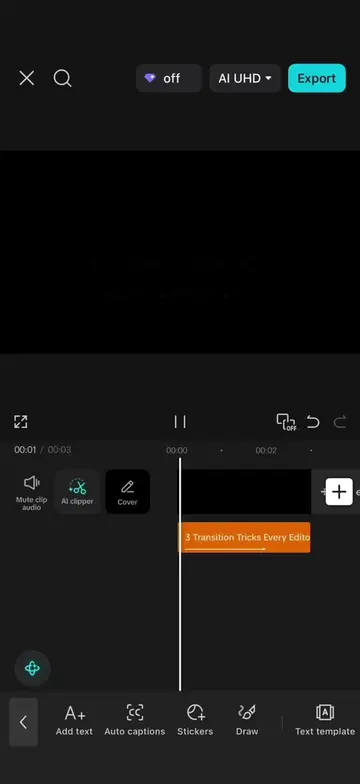
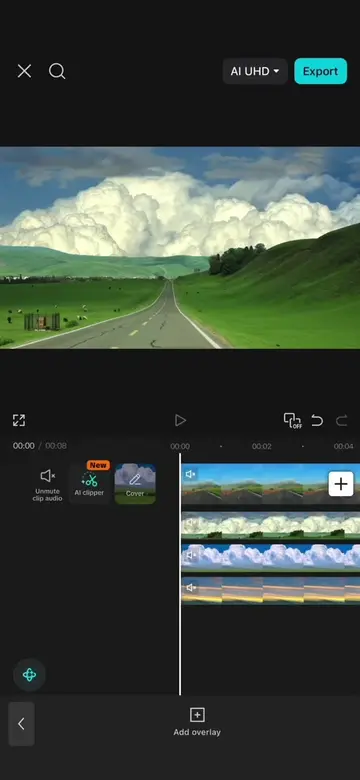
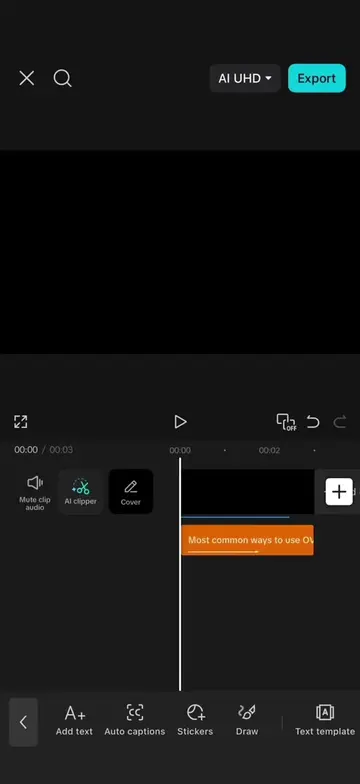
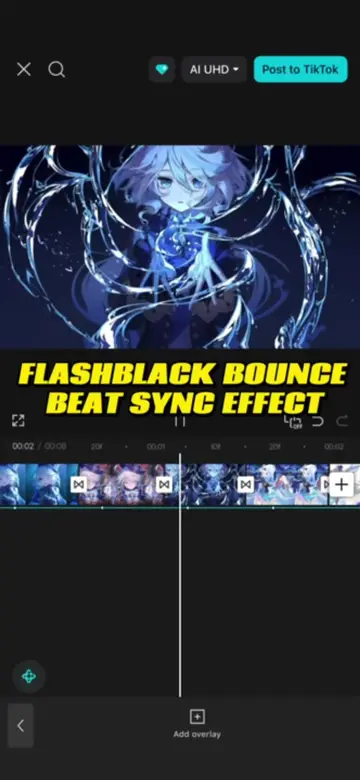
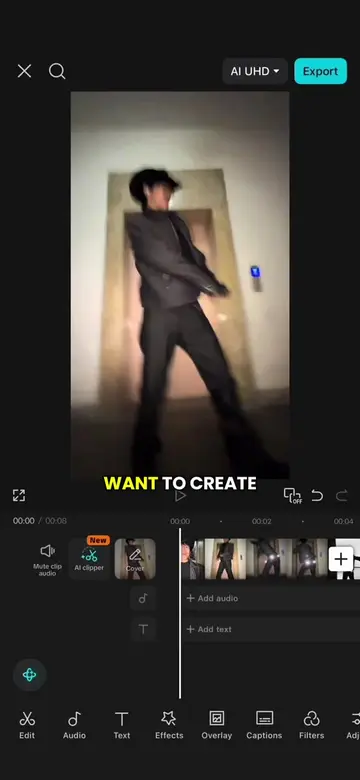
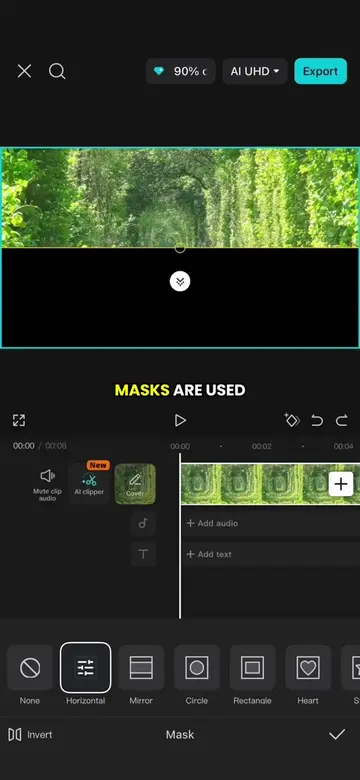
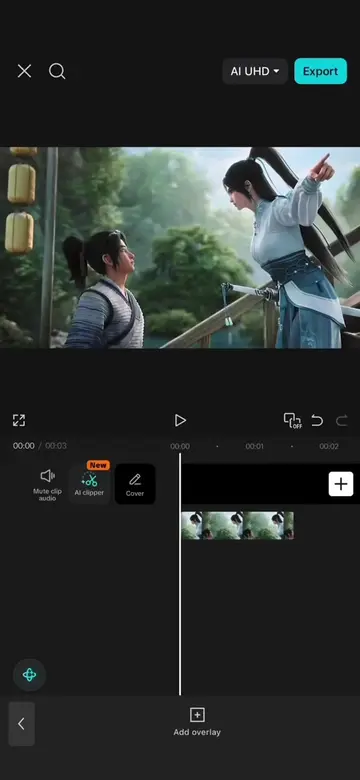
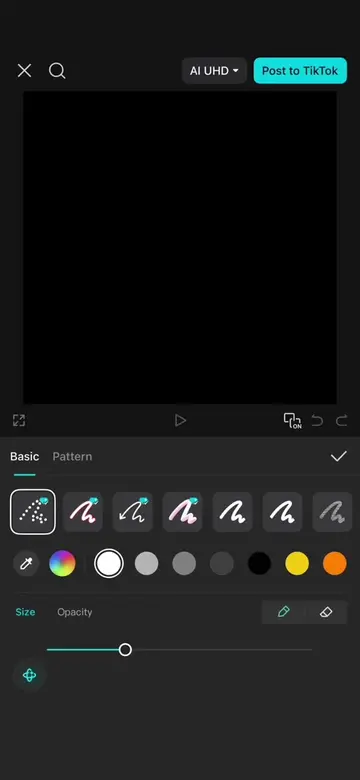
This video demonstrates how to create a memory flashback effect using CapCut. It involves manipulating image rotation and scaling, applying transitions, motion blur, background removal, and adding visual effects like vignettes and snow.
Structure
- 1Shorten photo and add keyframes for rotation effect
- 2Duplicate images and add transitions
- 3Apply motion blur for smoother movement
- 4Add a freeze frame overlay
- 5Isolate subject and add glowing outline
- 6Apply vignette and snow effects
Product placement
CapCut: ACTS - it is the video editing software used to create the video. Removing it would change what happens in the video.
AI UHD: APPEARS - it is a resolution option in the export menu. Removing it would not change what happens in the video.
Original caption
Episode 88: Memory Flashback Effect Tutorial #CapCut #capcutpioneer #videoediting #tiktoktips #tutorial
More from @edie.edit
Their other posts in the index, biggest breakout first.