Loading video…
All breakouts
 CapCutseen in 576 videos →
6.2App DemoHow-To hookCreator Economy
Hook
Want to create
@edie.edit
212.2K followers · usually 140.3K views a post
Views
851.8K
Likes
13.2K
Comments
220
Shares
852
Selling · SaaS › Other SaaS
Summary
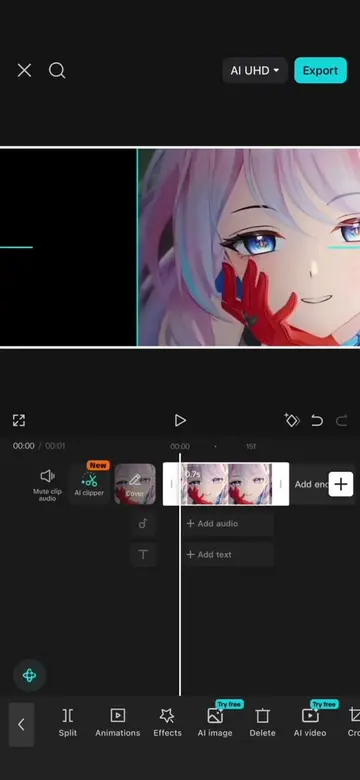
This video demonstrates how to create a fast flash effect using CapCut. It involves importing a photo, adjusting its duration, scaling, duplicating, and replacing images, then applying motion blur and speed adjustments. Finally, it shows how to refine the transition by trimming clips for a smoother effect.
Transcript
Want to create this fast flash effect but still don't know how? First, import a photo and shorten it to around 0.1 seconds. Add a keyframe at the end. Then move to the beginning of the timeline and scale the photo up slightly. Next, duplicate the photo around 7 times. Use replace to swap all the duplicated photos with different images. After that, export the sequence and import it back into a new project. Open speed, choose normal and set it to around 1.5x. Then apply motion blur, setting the blur amount to 90 and the blend amount to 45. Next, duplicate the clip and choose reverse. After that, open, adjust and reduce the saturation to the minimum. At this point, you'll notice a slight pause in the middle because the reversed clip repeats the same frame at the transition point. Simply trim the end of the first clip and the beginning of the second clip. Now the transition becomes much smoother. Congratulations. Today you learned a Pangjiaqi flash effect.
Original caption
Episode 92: Fast Flash Effect Tutorial #CapCut #capcutpioneer #videoediting #tiktoktips #capcutedit
More from @edie.edit
Their other posts in the index, biggest breakout first.