Loading video…
Sound

original sound - ge_ti_ex
✅ ЖэТиЭкс 1650 ✅ · Original audio
0:00–:––
Playing this video’s own audio, so you’ll hear the creator over the sound.
The video likely performed well due to its native mention of a popular product (Vivo phone) and its focus on practical, visually engaging customization features that appeal to users seeking to personalize their devices.
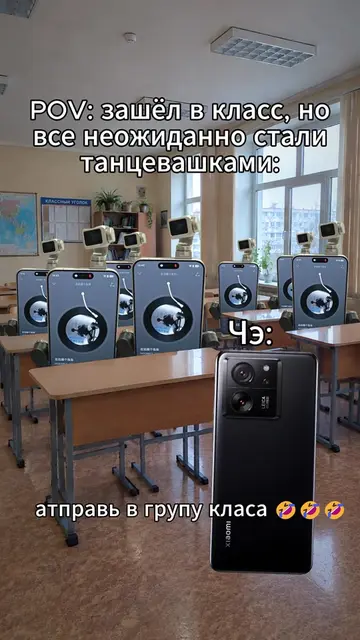
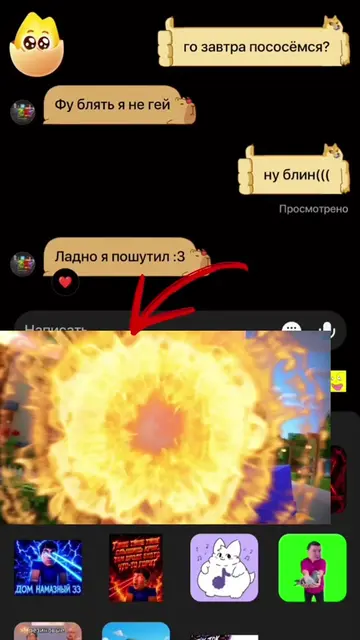
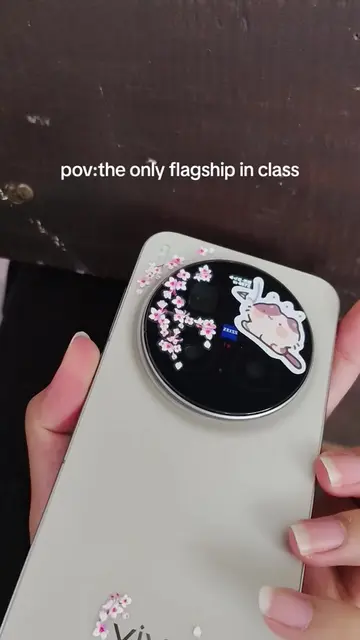
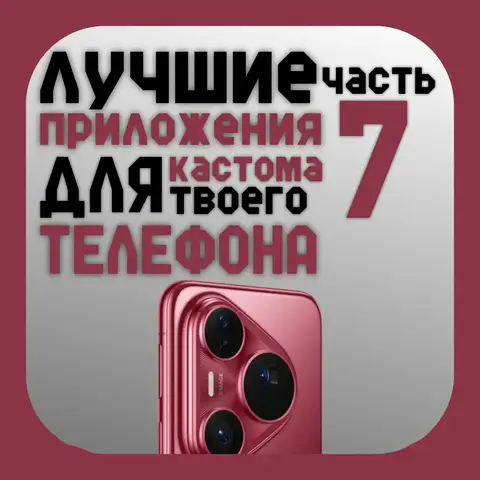
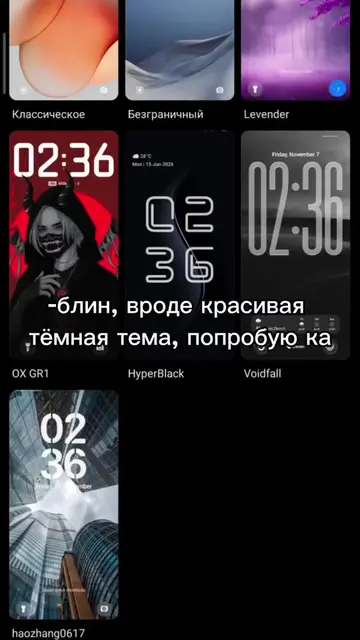
The video demonstrates how to customize the Vivo smartphone's interface, including changing wallpapers, icons, themes, and adding widgets. The creator shows how to access these settings through the phone's menu and highlights the flexibility of personalization.
@Дозор¿ X9Ультро🎀 #vivo #вивоплесень #течток #мем
До сих пор
Introduction to Vivo phone customization
Changing wallpapers and icons
Customizing themes and Always on Display
Adding widgets
Conclusion on user customization
The video showcases the Vivo smartphone and its user interface, demonstrating various customization options available on the device.
Playing this video’s own audio, so you’ll hear the creator over the sound.
Smartphones for people who want camera features and mobile communication
All time.
Promotes 5 products. Create free account to see more.
Outliers and viral hits: their videos on Overshot, all time.