Loading video…
Sound

original sound - j.techmaster0
J. Tech Master · Original audio
0:00–:––
Playing this video’s own audio, so you’ll hear the creator over the sound.
The video provides practical, actionable tips for a specific phone brand, making it highly relevant to vivo users. The clear, step-by-step demonstration of useful features, combined with a relatable hook and a call to action, encourages engagement and sharing.
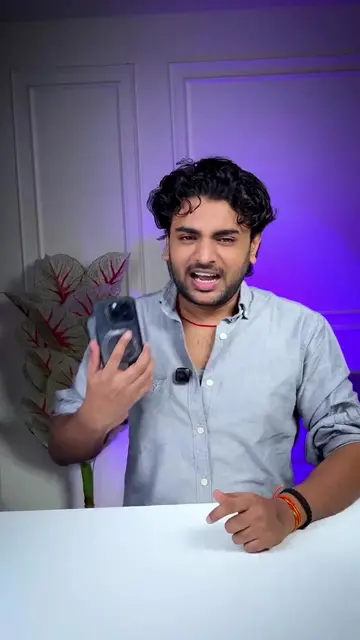
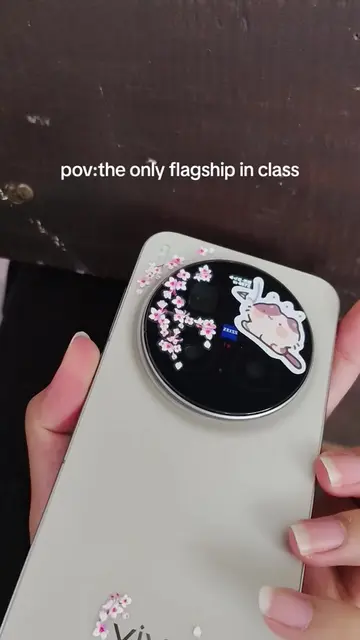
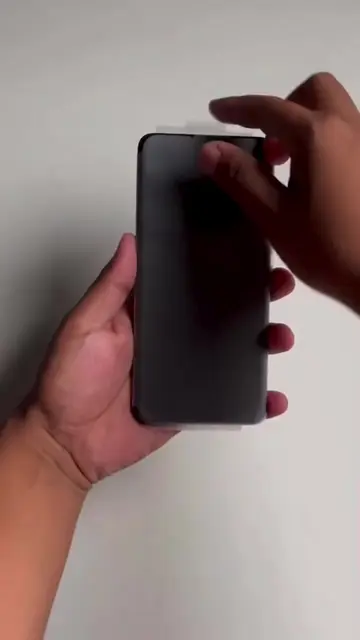
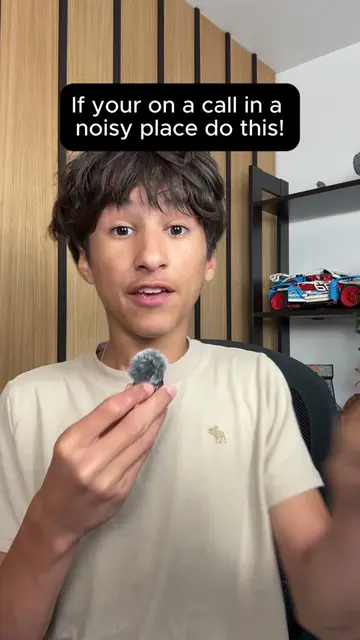
This video demonstrates three useful settings for vivo phone users. It covers how to prevent unauthorized power-off and airplane mode activation, enable voice isolation for clearer calls, and utilize the 'Drag and go' feature for easy photo sharing via the dynamic island.
3 Settings For Every vivo User 🔥 . . #vivo #usefull #setting #tips #Tech #foryou #fyp #viral #tiktokgrowthchallenge
If vivo
Introduction to vivo phone settings
Setting 1: Unlock to power off
Setting 2: Voice isolation
Setting 3: Drag and go feature
Conclusion and call to action
vivo: This is a smartphone brand. The video shows and discusses features of a vivo phone. Removing it would change the video's subject. It ACTS. ORIGIN OS6: This is the operating system for vivo phones. The video shows and discusses features of this OS. Removing it would change the video's subject. It ACTS. Google Play Store: This is an app store. It appears on the phone's home screen. Removing it would not change what happens in the video. It APPEARS. Google Chrome: This is a web browser. It appears on the phone's home screen. Removing it would not change what happens in the video. It APPEARS. Settings: This is a system application on the phone used to configure device settings. The video navigates through it to demonstrate features. Removing it would change the video's subject. It ACTS. Phone: This is a pre-installed application on the phone for making calls. The video mentions it in relation to voice isolation. Removing it would not change what happens in the video. It APPEARS. Meet: This is a video conferencing application. The video mentions it in relation to voice isolation. Removing it would not change what happens in the video. It APPEARS. Instagram: This is a social media platform. The creator's handle and a follow button are displayed at the end. Removing it would not change what happens in the video. It APPEARS.
Follow @tech.starrr
Playing this video’s own audio, so you’ll hear the creator over the sound.
Smartphones for people who want camera features and mobile communication
All time.
Promotes 4 products. Create free account to see more.
Outliers and viral hits: their videos on Overshot, all time.