Loading video…
All breakouts

8.2Talking HeadHow-To hook
Hook
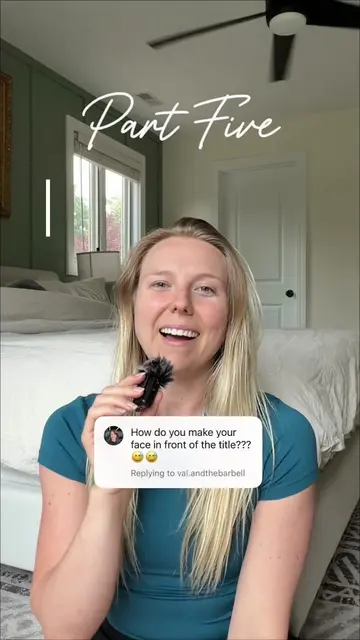
Part Four HOW I EDIT zoom effects
@creatingwkels
1.6K followers · usually 801 views a post
Views
6.2K
Likes
541
Comments
101
Shares
45
Why it worked
The video provides practical, actionable editing tips for a popular video editing app (CapCut), directly addressing a common creator need: holding audience attention. The clear, step-by-step demonstration of multiple techniques makes it highly valuable and shareable.
Summary
This video demonstrates three methods for adding zoom effects in CapCut to enhance audience attention. It covers abrupt zooms, subtle keyframe zooms, and the zoom lens effect, explaining how to use each.
Structure
- 1Intro: Importance of audience attention
- 2Method 1: Abrupt zoom by trimming
- 3Method 2: Subtle zoom using keyframes
- 4Method 3: Zoom lens effect
- 5Conclusion: Recap and call for questions
Product placement
The video demonstrates editing techniques using the CapCut app, showing its interface and features on a phone screen. The creator also mentions CapCut in the caption.
Original caption
Three easy ways to add zoom effects to hold your audiences attention! As always, I’m editing in @CapCut :) Drop any questions below and let me know what edit to breakdown next week! #capcut #capcutedits #ugccreator #contentcreator #editingtips
More from @creatingwkels
Their other posts in the index, biggest breakout first.