Loading video…
Sound

original sound - thaepo707
ANaw🍀🦋🌸🌷 · Original audio
0:00–:––
- Videos using it
- 3
- Views on those videos
- 3.0M
The video provides a practical and efficient solution to a common video editing problem, demonstrating a specific tool's capability in a clear and concise manner.
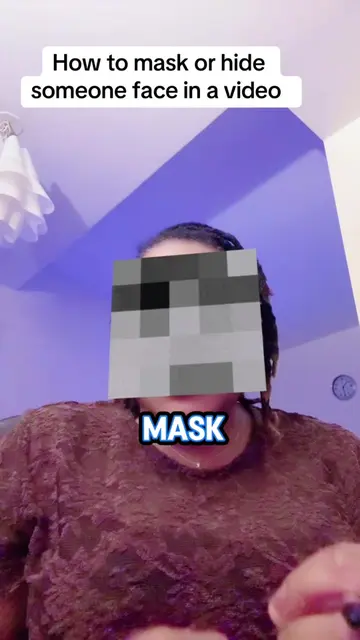
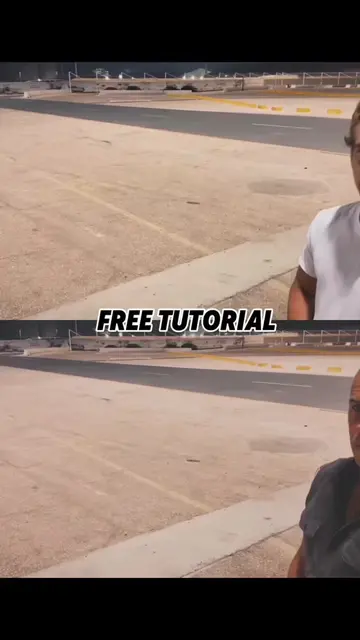
This video demonstrates how to use CapCut to blur or remove moving objects, specifically a license plate on a car. It shows a more efficient method using the 'custom removal' and 'quick brush' tools to achieve a clean result.
save and follow 🫡 || #CapCut #capcutpioneer #tutorial #capcut
While editing you struggle to cover moving objects.
Struggling to cover moving objects
Demonstrating a simpler method
Duplicating the video and creating an overlay
Using custom removal and quick brush to hide the license plate
Applying the same technique to blur faces
CapCut: it ACTS - it is used to edit a video, specifically to remove the license plate from a car. Removing it would change what happens in the video.
Video editing app for creators making social media videos
Views and creators: posted in the last 30 days (English videos). Videos: all time.
Promotes 1 product. Create free account to see more.
Outliers and viral hits: their videos on Overshot, all time.