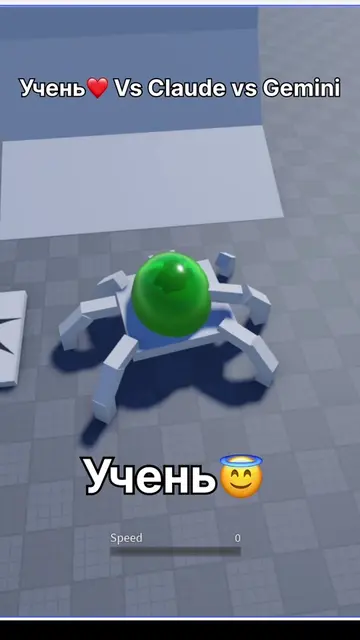
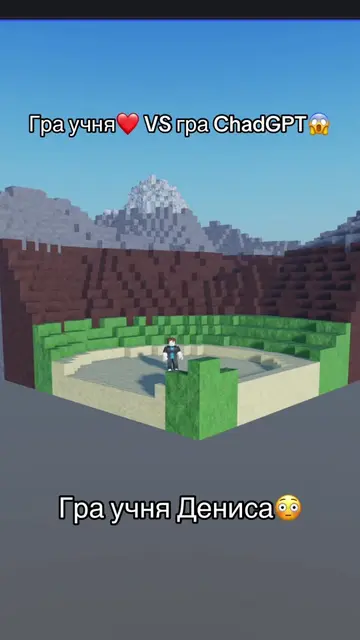
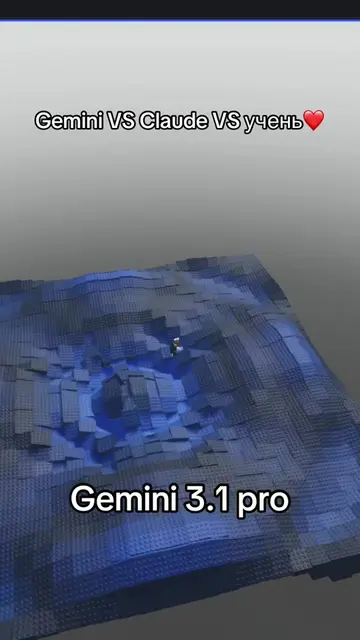
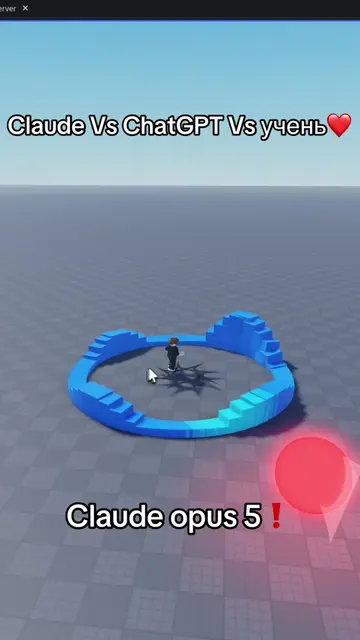
Loading video…
Sound

original sound - smartcodeacademy
SmartCode Школа Програмування · Original audio
0:00–:––
Playing this video’s own audio, so you’ll hear the creator over the sound.
The video provides a practical, step-by-step tutorial on a specific game development technique within Roblox Studio, appealing to aspiring game developers. The call to action to 'write plus in comments' for learning programming encourages engagement and community building.
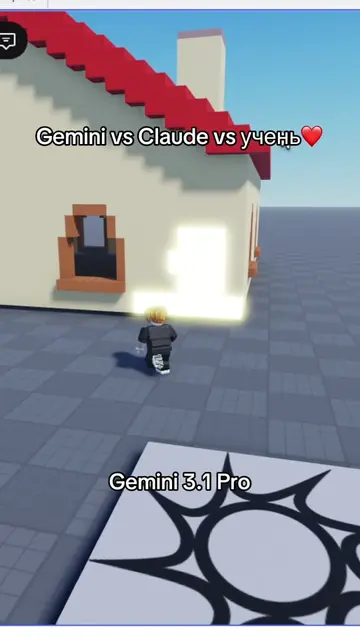
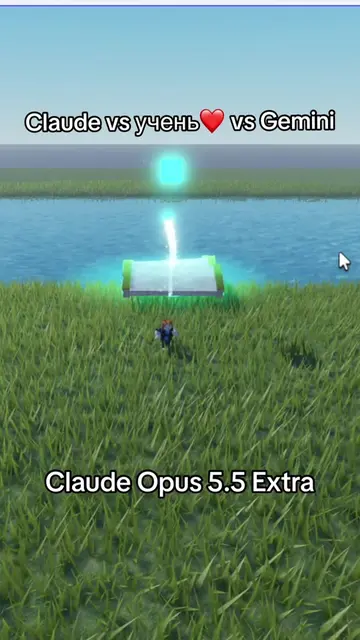
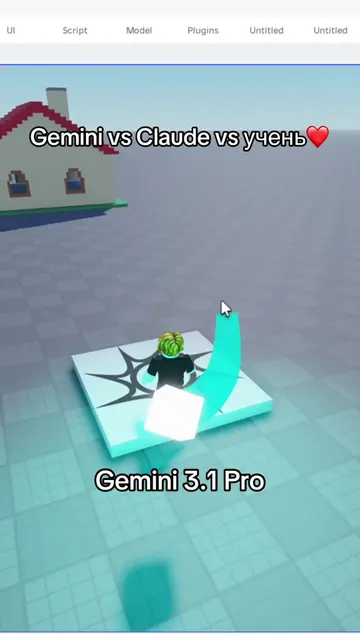
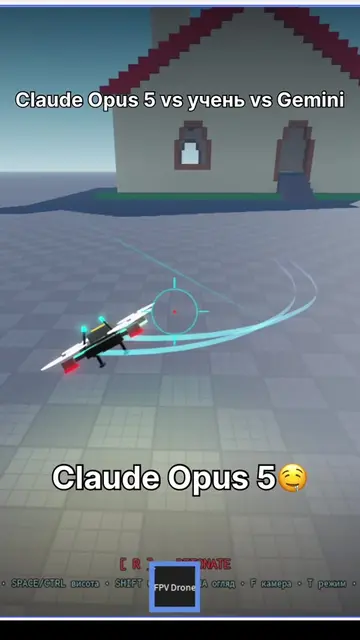
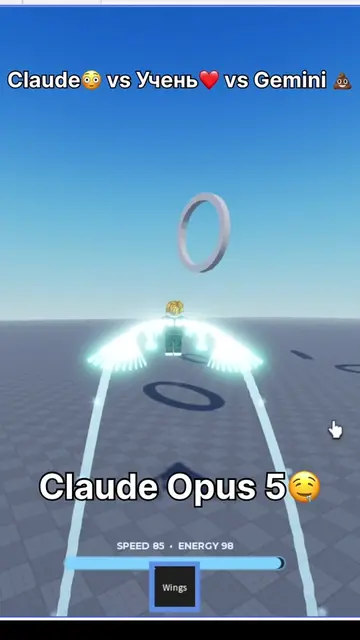
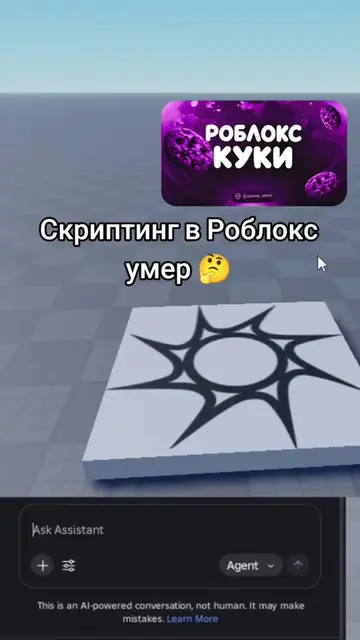
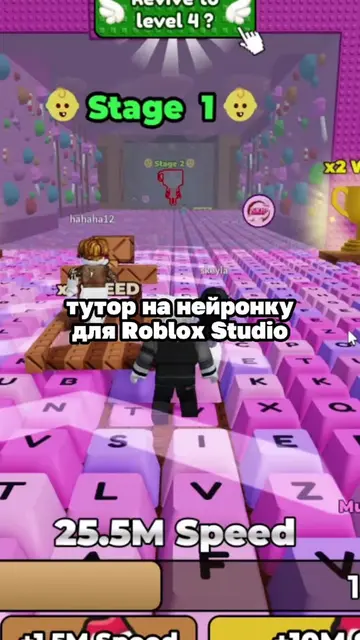
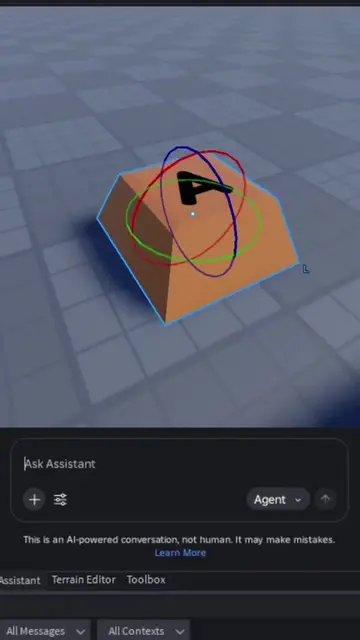
The video demonstrates how to create interactive keys in Roblox Studio using Lua scripting. It shows the process of creating a part, scripting its touch event to detect player interaction, and making it move up and down.
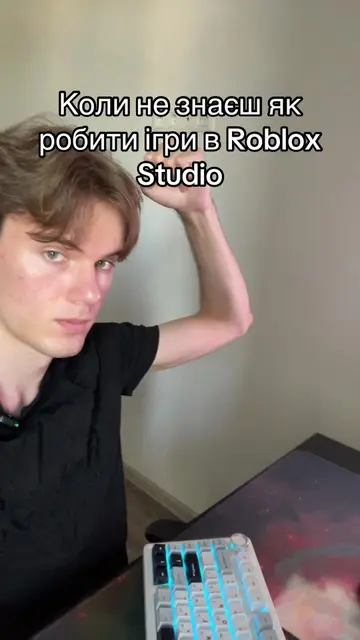
Створюємо трендові клавіші в роблокс студіо #smartcodeacademy #навчання #онлайншкола #robloxstudio #програмування
Пиши «+» якщо хочеш навчатися
Introduce the goal: creating trendy keys in Roblox Studio.
Create a base part and position it.
Add a script to the part.
Implement the 'Touched' event to detect player interaction.
Check for a 'Humanoid' and 'active' state.
Animate the key by changing its position and toggling the 'active' state.
Duplicate keys and test the functionality.
Roblox Studio: ACTS - the interface is operated to create a 3D environment and script functionality. Removing it would change what happens in the video.
Пиши «+» якщо хочеш навчатися
Playing this video’s own audio, so you’ll hear the creator over the sound.
Promotes 3 products. Create free account to see more.
Outliers and viral hits: their videos on Overshot, all time.
Game creation software for Roblox creators
All time.