Loading video…
Sound

original sound - technodivine1
technodivine1 · Original audio
0:00–:––
Playing this video’s own audio, so you’ll hear the creator over the sound.
This video promotes it, but we haven’t matched it to a product page yet, so there are no product figures.
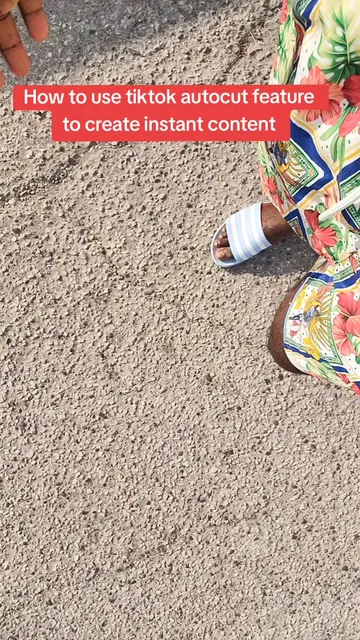
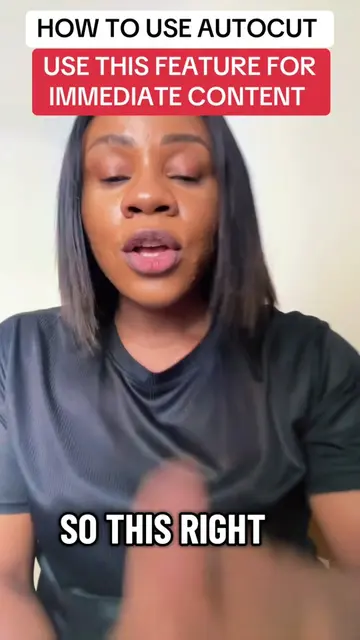
The video leverages a trending feature within TikTok (Autocut) and provides a clear, concise tutorial on how to use it. The creator also hints at their own expertise in going viral and monetizing, which can drive engagement and interest.
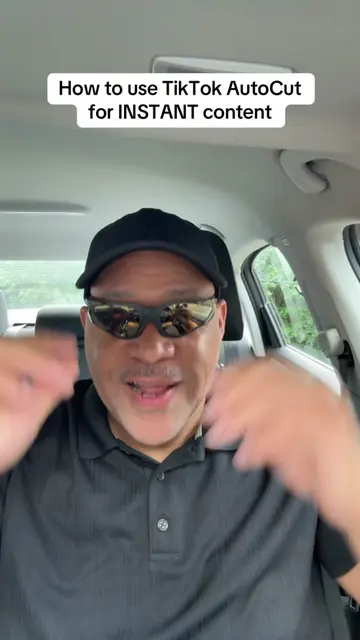
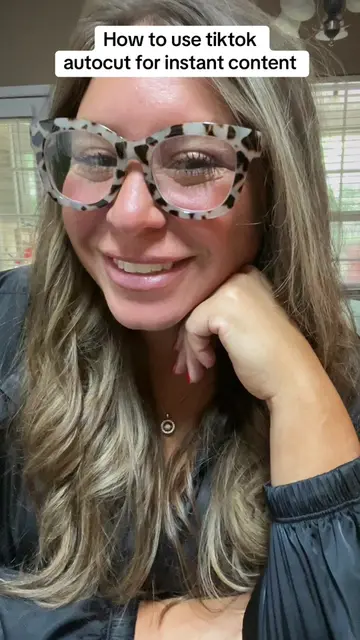
This video demonstrates how to use TikTok's Autocut feature to create content quickly. The creator guides viewers through selecting media, choosing templates, and emphasizes not changing the default sound for maximum reach.
TUTORIAL-INCLUDED WHY DID MY FACE POP UP LIKE THAT?🫠🙃 use tiktok autocut to create instant content #autocut #tiktoktips #tiktokupdate
So you're stuck and you don't know what post do
Introduce the problem of not knowing what to post.
Highlight TikTok's Autocut feature as a solution.
Guide users to the Autocut feature within the app.
Explain how to select media and templates.
Advise on keeping the default sound for trending potential.
Encourage posting and mention creator's live teaching sessions.
TikTok Autocut: This is a feature within the TikTok app that automatically edits videos. It is used by the creator to demonstrate how to create content. Removing it would change what happens in the video.
DM me and I will send you the list of services
Playing this video’s own audio, so you’ll hear the creator over the sound.
Outliers and viral hits: their videos on Overshot, all time.
![how to turn text to videos[how to create ai videos on tiktok[start creating ai v](https://tiktokspy.sfo3.digitaloceanspaces.com/covers/7680575505497656583.jpg)