Loading video…
Sound

original sound - gift.onyinyechi972
Gift | TikTok Coach · Original audio
0:00–:––
Playing this video’s own audio, so you’ll hear the creator over the sound.
Hook
Posted Aug 2, 2026Video · 1:03by @gift.onyinyechi972
The video provides a clear, concise, and actionable tutorial on a specific TikTok feature that promises to save creators time and effort in content creation, directly addressing a common pain point for users.
This video demonstrates how to use TikTok's AutoCut feature to quickly generate content. The creator explains that by selecting photos or videos, TikTok can automatically create a video with a suitable sound and template, saving users time and effort.
AUTOCUT TUTORIAL. Follow these steps to use the Autocut tool for immediate content. #creatorsearchinsights #creatorsightinsights #autocut #newfeature #tiktoktips
HOW TO USE AUTOCUT USE THIS FEATURE FOR IMMEDIATE CONTENT
Introduction to AutoCut tool
Instructions to click the plus sign and select 'Create'
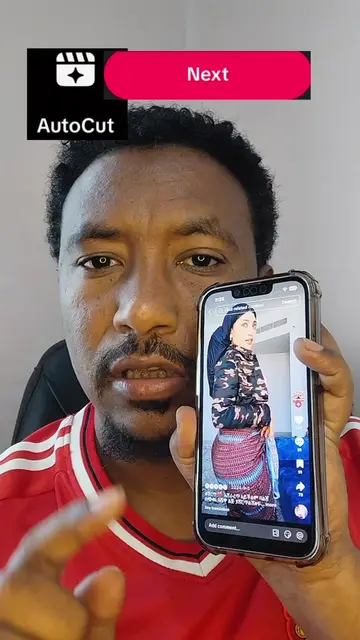
Locating and selecting the AutoCut feature
Choosing 4-5 photos or videos
TikTok automatically generating a video with a sound and template
Sending the generated content to your story
AutoCut (ACTS - it is a tool within TikTok that generates content, removing it would change what happens in the video). TikTok (ACTS - it is the platform where the AutoCut tool is used and content is generated, removing it would mean the video has no context or function).
Send it to your story immediately and make sure you write TikTok Auto Cut future. Use this future right now to get more rich.
Playing this video’s own audio, so you’ll hear the creator over the sound.
CNC quoting software for manufacturers estimating laser, plasma, waterjet, router and CNC jobs
All time.
Promotes 3 products. Create free account to see more.
Outliers and viral hits: their videos on Overshot, all time.