Loading video…
Sound

original sound - valevargasm_
valentina · Original audio
0:00–:––
- Videos using it
- 8
- Creators
- 8
- Views on those videos
- 1.5M
We didn’t find a product being promoted in this video. Its hook, format and structure below still show why it took off.
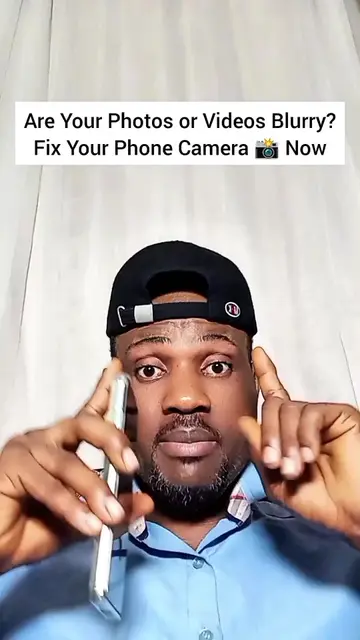
Browse products winning on TikTokThe video offers practical, actionable advice for a common problem faced by content creators: poor video quality due to incorrect camera settings. By addressing both iPhone and Android users and providing clear, step-by-step instructions, it appeals to a broad audience seeking to improve their content.
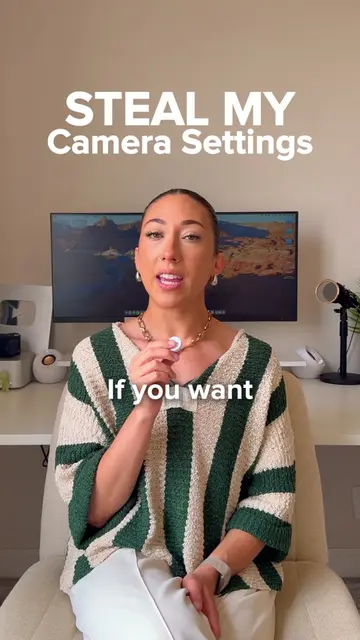
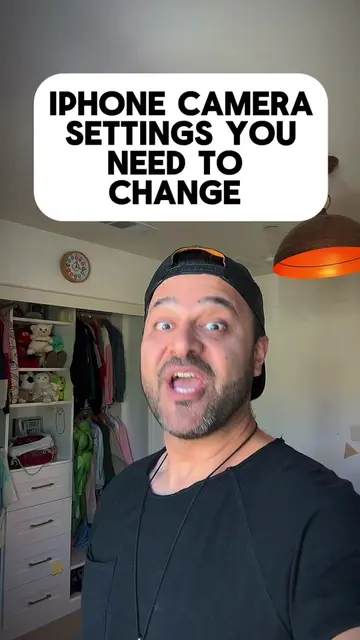
This video provides tips on how to correct camera settings for both iPhone and Android devices to improve video quality. It covers cleaning the camera, adjusting resolution, and managing HDR settings, emphasizing that proper settings are more crucial than the phone model itself.
📌Save this for Later! Content Creation Series (Part 2) Camera Settings . . . . . #fyp #creatorsearchinsights #contentcreation #camerasetting #ugc (android and iphone)
How to correct your Camera Settings ???
Introduction to camera settings for content creation
iPhone settings: cleaning, resolution, HDR, exposure
Android settings: resolution, HDR, high quality option
Importance of manual adjustments in editing
Call to action for personalized guidance
iPhone: Appears as a device used for content creation. Its camera settings are demonstrated. Removing it would change the video's demonstration. Android: Appears as a device used for content creation. Its camera settings are discussed. Removing it would change the video's demonstration. Samsung: Appears as a device used for content creation. Its camera settings are discussed. Removing it would change the video's demonstration.
Tell me your Phone name in Comment! Follow for part 3
Outliers and viral hits: their videos on Overshot, all time.