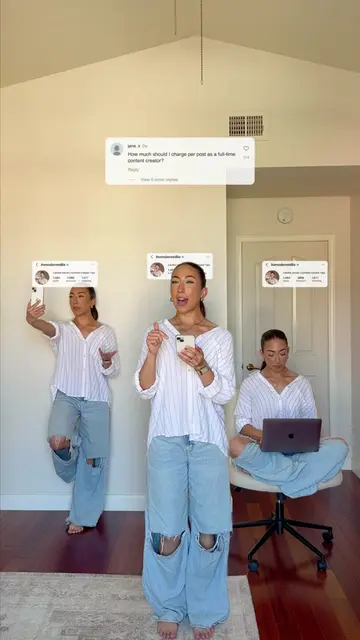
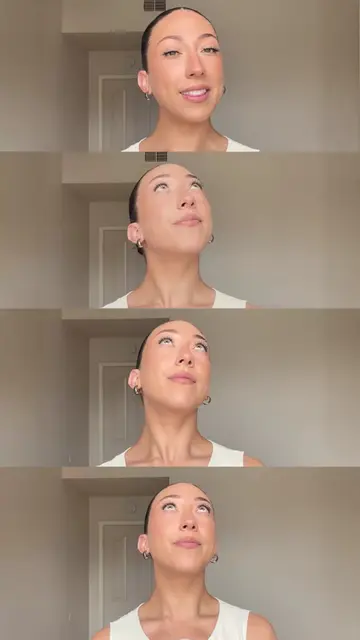
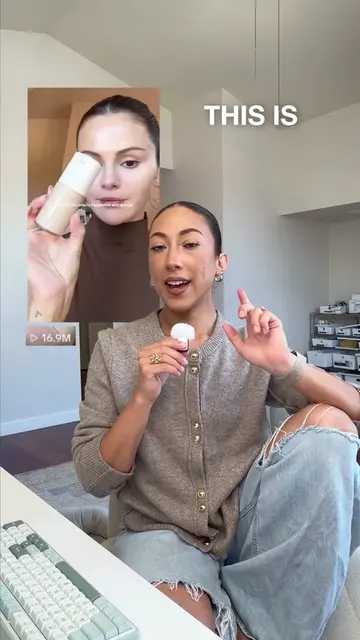
Loading video…
All breakouts

3.3Talking Head
Hook
STEAL MY Camera Settings
@itsmodernmillie
129.5K followers · usually 13.1K views a post
Views
41.4K
Likes
2.7K
Comments
58
Shares
285
Why it worked
The video offers practical, actionable advice on improving video quality, a common pain point for content creators. The step-by-step format and clear instructions make it easy to follow and implement, increasing its value and shareability.
Summary
This video provides a four-step guide to improving video quality for social media content. It covers using the native camera app, adjusting video settings for resolution and frame rate, matching export settings in editing software, and optimizing upload quality on platforms like Instagram, TikTok, and YouTube.
Structure
- 1Intro: Steal my camera settings
- 2Step 1: Use native camera app
- 3Step 2: Adjust camera settings (resolution, frame rate)
- 4Step 3: Match export settings to camera settings
- 5Step 4: Optimize social media upload settings
- 6Outro: Follow for more
Call to action
Follow for more content creator education!
On-screen text
STEAL MY
Camera Settings
If you want
your content
to look
LIKE THIS
instead of
THIS,
then keep on
watching
Step #1:
Don't use
any apps,
camera.
Step #2:
Settings
Activate
to the highest
videos.
High-quality,
professional
Everyday content
/Storage issues
a storage issue
more simple
for everyday
content
a slightly
Step #3:
Editing software.
Please
your export
match your
camera settings.
Step #4:
Social media platforms.
For Instagram,
Upload at
highest quality.
For TikTok,
enable
uploads.
For YouTube,
Upload quality
to full quality.
FOLLOW
creator
itsmodernmillie
FOLLOW
Follow for more content creator education!
Original caption
Steal my camera settings 📷 Follow for more content creation education! #socialmedia #contentcreation #organicgrowth #personalbrand
More from @itsmodernmillie
Their other posts in the index, biggest breakout first.