Loading video…
Sound

original sound - soyhatscreative
Soy ⚡ · Original audio
0:00–:––
Playing this video’s own audio, so you’ll hear the creator over the sound.
Hook
Posted Jul 3, 2026Video · 0:50by @josiahdoes_
The video addresses a common technical issue with a clear, step-by-step solution. The use of on-screen text and direct demonstration makes it easy for viewers to follow along and replicate the fix.
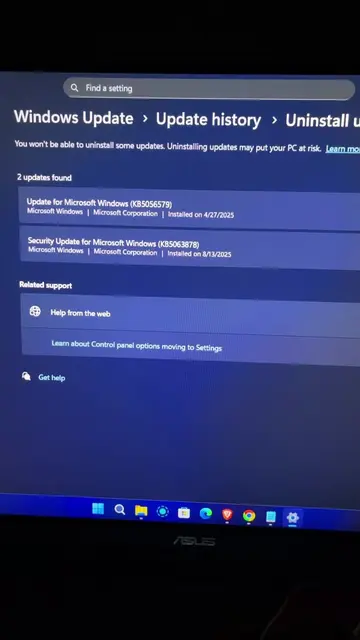
The video demonstrates how to fix a malfunctioning Bluetooth device on a Windows PC. The creator shows how to navigate to the Device Manager, identify the Intel Wireless Bluetooth driver, and troubleshoot by disabling and then uninstalling and rescanning for hardware changes.
What if you open your pc and you realize your Bluetooth starts to malfunction? WATCH THIS VIDEO! #TechTips #techtok #josiahdoes #josiahdoestech #windows11
What if you open your pc and you realize your Bluetooth starts to malfunction?
Introduce the problem of malfunctioning Bluetooth
Show the Windows PC interface
Navigate to Device Manager
Identify the Intel Wireless Bluetooth driver
Troubleshoot by disabling and uninstalling the driver
Confirm Bluetooth is working again
Intel Wireless Bluetooth(R) - This is a component of the computer that enables Bluetooth functionality. Removing it would change what happens in the video because the video is about troubleshooting this specific component. Windows - This is the operating system of the computer. It merely appears as the environment in which the troubleshooting is performed. Removing it would not change what happens in the video.
Playing this video’s own audio, so you’ll hear the creator over the sound.
Bluetooth driver software for Windows PC users troubleshooting wireless connections
All time.
Promotes 3 products. Create free account to see more.
Outliers and viral hits: their videos on Overshot, all time.