Loading video…
Sound

original sound - affiliatguru
Haji🇺🇸 · Original audio
0:00–:––
Playing this video’s own audio, so you’ll hear the creator over the sound.
We didn’t find a product being promoted in this video. Its hook, format and structure below still show why it took off.
Browse products winning on TikTokThe video addresses a common user pain point on TikTok: difficulty in removing or changing AI-generated avatars. By providing a clear, step-by-step visual guide in Persian, it offers a practical solution that likely resonated with a significant portion of the platform's user base.
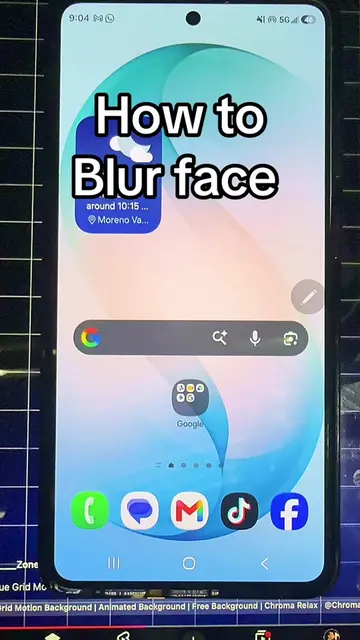
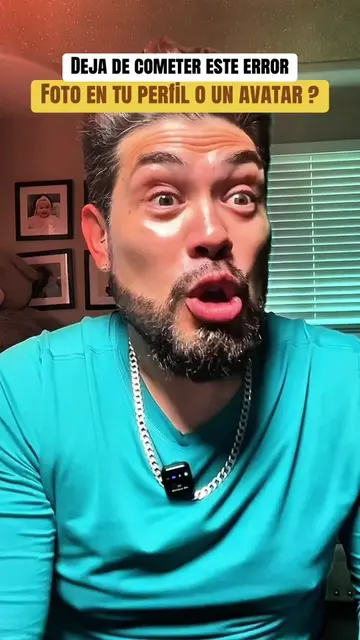
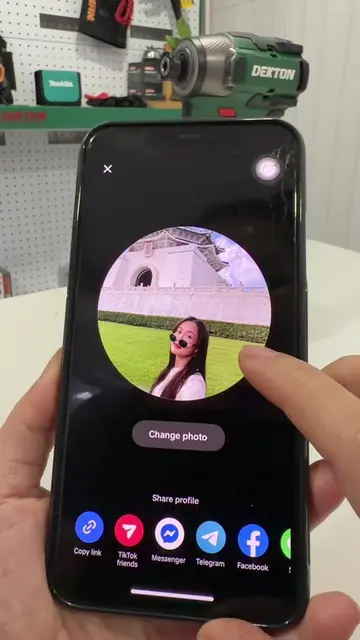
This video demonstrates how to remove an AI-generated avatar from a TikTok profile and replace it with a personal photo. The creator guides viewers through the profile editing options, showing how to switch between photo and avatar displays and offering choices to take, upload, or view a new photo.
How to remove avatar profile picture TikTok tips and tricks #edutokcontest
چطور آواتار از پروفایل خود پاک کنیم
Introduce the problem of removing avatars
Navigate to profile edit screen
Show avatar vs photo display options
Explain how to select photo display
Demonstrate options for new photo (take, upload, view)
TikTok (appears as a watermark and the platform interface is operated, removing it would change what happens in the video)
Playing this video’s own audio, so you’ll hear the creator over the sound.
Promotes 6 products. Create free account to see more.
Outliers and viral hits: their videos on Overshot, all time.