Loading video…
Sound

original sound - affiliatguru
Haji🇺🇸 · Original audio
0:00–:––
Playing this video’s own audio, so you’ll hear the creator over the sound.
This video promotes it, but we haven’t matched it to a product page yet, so there are no product figures.
The video provides a clear, step-by-step tutorial on a common user task within a popular platform, making it highly shareable and useful for new users. The direct demonstration of the app's interface ensures clarity and ease of understanding.
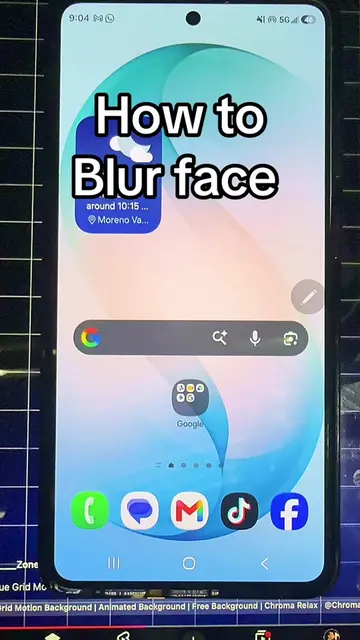
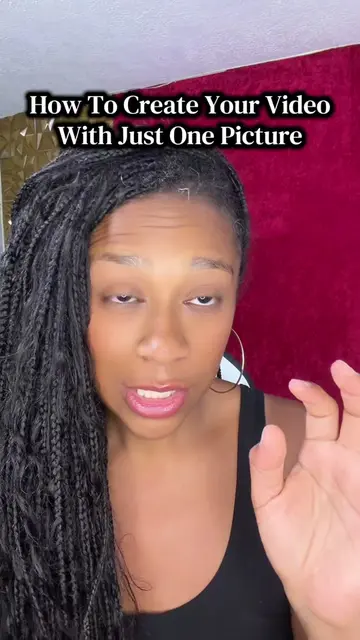
This video demonstrates how to upload photos and videos to TikTok. It covers selecting media, adjusting settings, adding captions, and configuring privacy options before posting. The tutorial is presented in Persian with on-screen text in English.
How to upload photos and videos on TikTok if you’re new on TikTok, don’t know how to post. Please watch this video till the end #tiktoktips #tutorials #creatorsearchinsights
HOW TO UPLOAD PHOTO AND VIDEO ON TIKTOK
Introduction and hook
Opening the TikTok app
Selecting media (photo/video)
Editing and adding text
Configuring post settings (privacy, etc.)
Posting the video
TikTok (app): used to upload photos and videos. Its interface is operated, and a visible result (uploaded content) comes from it. Removing it would change what happens in the video.
Playing this video’s own audio, so you’ll hear the creator over the sound.
Promotes 6 products. Create free account to see more.
Outliers and viral hits: their videos on Overshot, all time.