Loading video…
Sound

Skies (Slowed + Reverb)
Zuurkey Beatz
0:00–:––
- Videos using it
- 25
- Creators
- 21
- Views on those videos
- 3.0M
This video likely performed well due to its utility and novelty. It provides a practical, unexpected "hack" for a widely used software (Microsoft Word) to create a functional QR code, offering immediate value to viewers interested in tech tips and productivity.
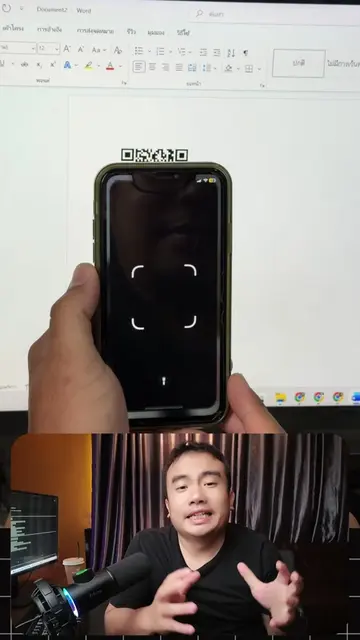
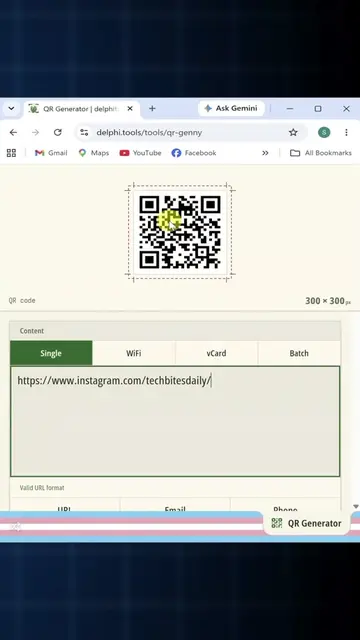
The video demonstrates how to generate a functional QR code within Microsoft Word by using a specific command and pasting a URL. The generated QR code is then shown to successfully link to a TikTok profile.
Cool feature #pctips #Tech #word #microsoft #tutorial
DID IF WORD,
Open Microsoft Word
Enter the DISPLAYBARCODE command with a URL
Select all and press F9 twice
QR code is generated
QR code is scanned and works
Microsoft Word: ACTS - The software is used to generate a QR code. Removing it would change what happens in the video. TikTok: APPEARS - The URL for a TikTok profile is used to generate the QR code, but the platform itself is not operated or demonstrated. Removing it would not change what happens in the video.
Promotes 2 products. Create free account to see more.
Outliers and viral hits: their videos on Overshot, all time.
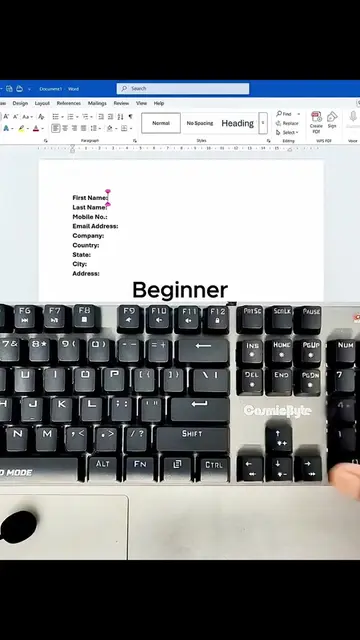
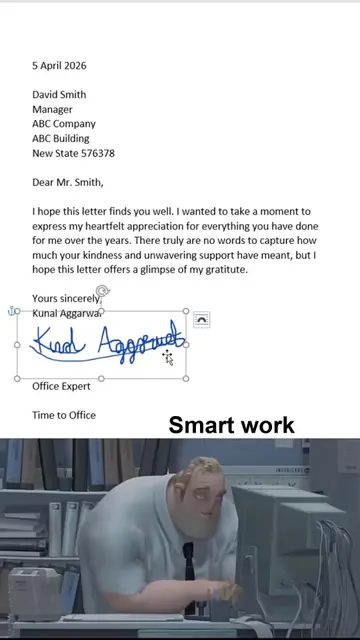
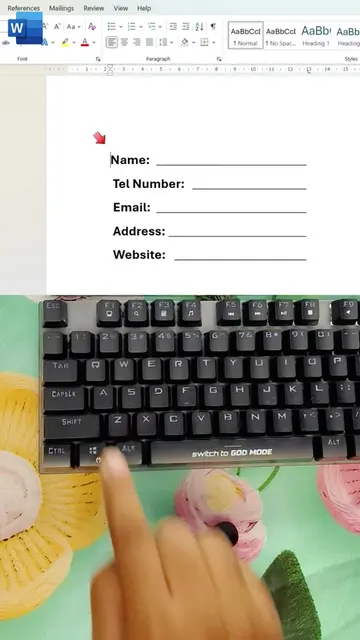
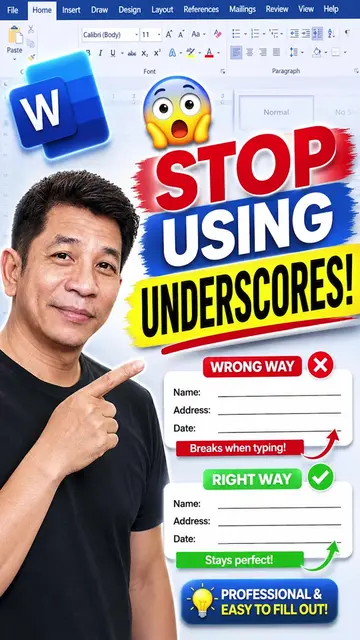
Microsoft Word is a word processing software used to add signatures, create fillable lines, format tables, and insert various line styles into documents.
All time.