Loading video…
Sound

original sound - Triple Next
Triple Next · Original audio
0:00–:––
Playing this video’s own audio, so you’ll hear the creator over the sound.
The video offers a practical and cost-saving solution to a common need (generating QR codes) by leveraging a widely accessible tool (Microsoft Word), making it highly shareable and valuable to a broad audience.
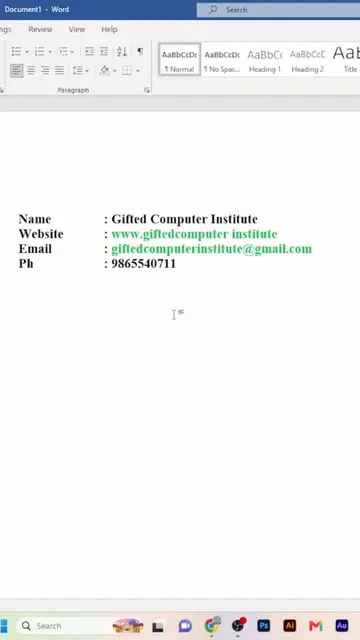
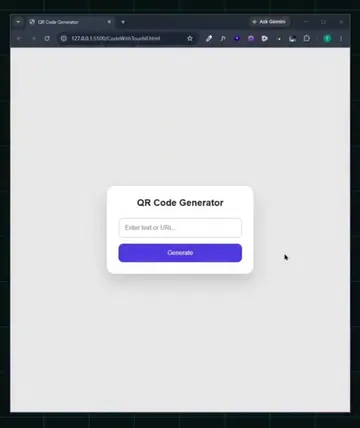
This video demonstrates how to create QR codes for free using Microsoft Word. It shows the steps of typing a command and a URL, then using keyboard shortcuts to generate the QR code, which can then be scanned and used.
🔥 หยุดจ่ายเงินทำ QR Code! รู้ยัง? Microsoft Word ก็ทำได้ ฟรีแถมง่ายสุดๆ 😱 ใครที่กำลังหาเว็บทำคิวอาร์โค้ด ไม่ต้องไปหาที่ไหนไกล ทำใน Word ได้เลย แถมใช้งานได้จริง! 👇 ใครอยากรู้ทริค Word เจ๋งๆ แบบนี้อีก คอมเมนต์บอกกันหน่อยน้า 📌 อย่าลืมกดเซฟคลิปนี้เก็บไว้ทำตามกันนะครับ! #ทริคไอที #เคล็ดลับ #MicrosoftWord #ทำQRCode #แชร์ทริค #สอนใช้คอม #ความรู้ไอที #WordTips
อย่าเสียตังกับเว็บ
Introduction to creating QR codes for free in Word
Typing the command and URL
Using keyboard shortcuts to generate the QR code
Scanning and using the generated QR code
Call to action for more Word tips
Microsoft Word: ACTS - its interface is operated to generate a QR code. Removing it would change what happens in the video. Facebook: APPEARS - a profile page is shown on a phone screen. Removing it would change what happens in the video.
อยากได้สูตรลับแบบนี้อีก คอมเมนต์บอกกันหน่อยน้า
Playing this video’s own audio, so you’ll hear the creator over the sound.
Promotes 10 products. Create free account to see more.
Outliers and viral hits: their videos on Overshot, all time.
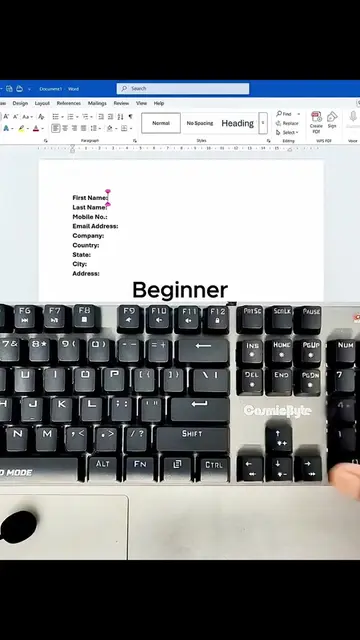
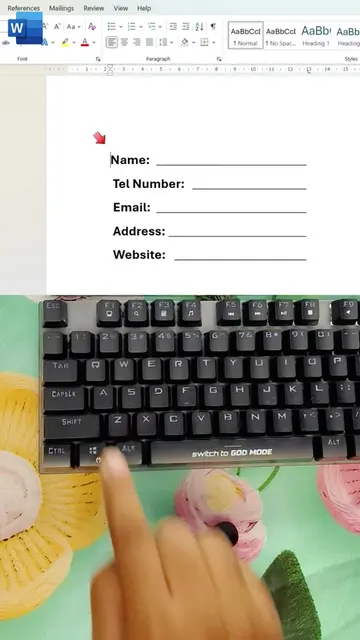
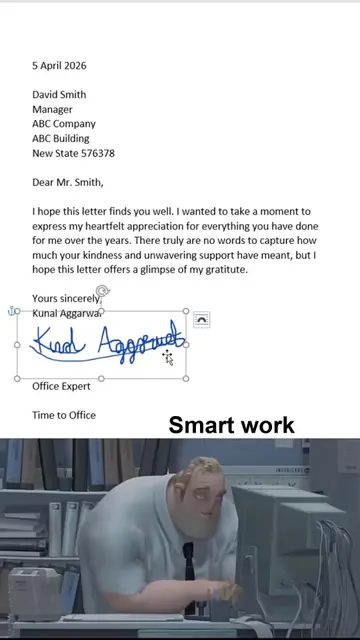
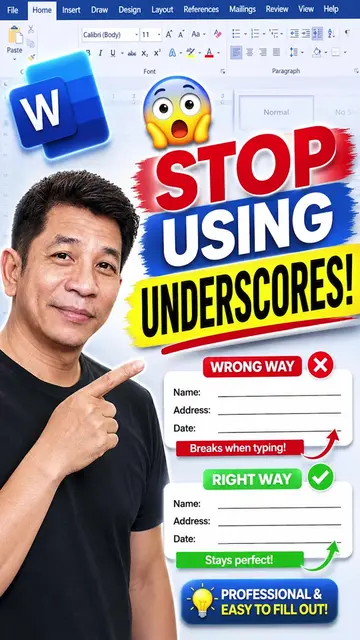
Microsoft Word is a word processing software used to add signatures, create fillable lines, format tables, and insert various line styles into documents.
Views and creators: posted in the last 30 days (English videos). Videos: all time.