Loading video…
All breakouts
147App DemoHow-To hookEducation
Hook
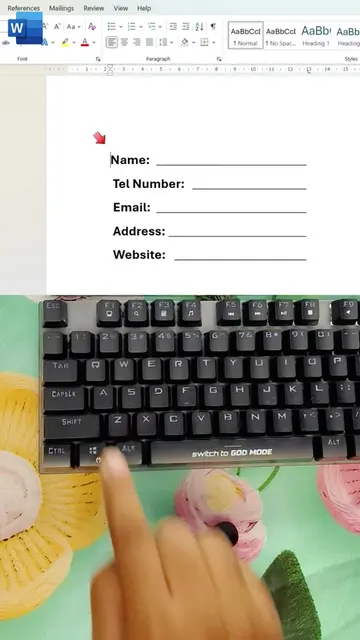
MS Word Time Saving Trick
@ms.tips94
176.3K followers · usually 24.2K views a post
Views
3.4M
Likes
105.7K
Comments
129
Shares
7.2K
Why it worked
The video provides immediate, high-value utility by solving common, tedious formatting and data entry problems with clear visual comparisons.
Summary
The video demonstrates time-saving keyboard shortcuts and formatting tricks for Microsoft Word and Microsoft Excel. It contrasts a 'beginner' approach with a 'pro' approach for tasks like setting tabs and filling data sequences.
Structure
- 1Demonstrate beginner vs pro tab setting in Word
- 2Show quick data entry in Excel
- 3Show sequence function in Excel
- 4Encourage engagement
Product placement
Original caption
MS Word Time Saving Trick✅ #exceltips #excel #exceltricks #Ms
More from @ms.tips94
More breakout videos from this creator.