Loading video…
Sound

original sound - parallax.digitals
Parallax Digitals · Original audio
0:00–:––
Playing this video’s own audio, so you’ll hear the creator over the sound.
The video provides a clear, step-by-step demonstration of a common user pain point: transferring data between different phone operating systems. The use of split-screen visuals and clear on-screen prompts makes the process easy to follow, appealing to a broad audience looking for practical solutions.
This video demonstrates how to transfer data from an Android phone to an iPhone using the Wondershare MobileTrans app. It guides viewers through downloading the app on both devices, selecting transfer options, and scanning a QR code to initiate the wireless data transfer.
The best phone data transfer and backup solution #wondershare #filetransfer #mobiletrans #phonetips #fifa
POWERFUL PHONE TIPS YOU DIDN'T KNOW EXISTS
Introduction to phone transfer tips
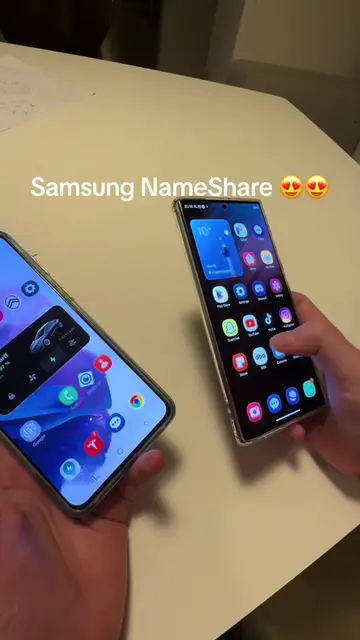
Showcase of Android and iPhone
Demonstration of MobileTrans app on both devices
Selecting data to transfer
Scanning QR code for connection
Successful data transfer completion
Wondershare MobileTrans: Data Transfer (app) - ACTS - its interface is operated to transfer data between phones, a visible result comes from it. Removing it would change what happens in the video. Android logo: APPEARS - a logo on screen. Removing it would not change what happens in the video. Apple logo: APPEARS - a logo on screen. Removing it would not change what happens in the video.
Download MobileTrans from the App Store or Google Play.
Playing this video’s own audio, so you’ll hear the creator over the sound.
Phone data transfer app for moving files and messages between devices
All time.
Promotes 2 products. Create free account to see more.
Outliers and viral hits: their videos on Overshot, all time.