Loading video…
Sound

original sound - justinunboxed
JustinUnboxed · Original audio
0:00–:––
Playing this video’s own audio, so you’ll hear the creator over the sound.
The video provides practical, actionable tips for a common user transition (iPhone to Android), directly addressing pain points and offering solutions through customization tools, making it highly relevant and shareable.
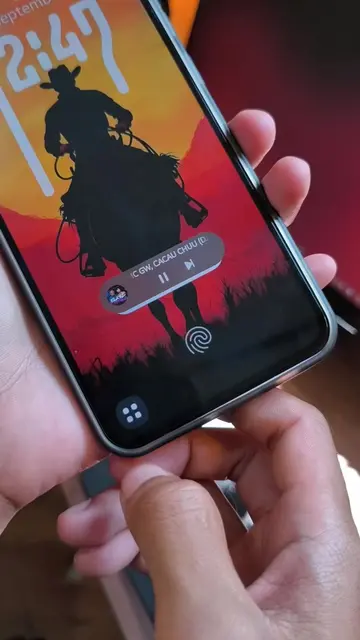
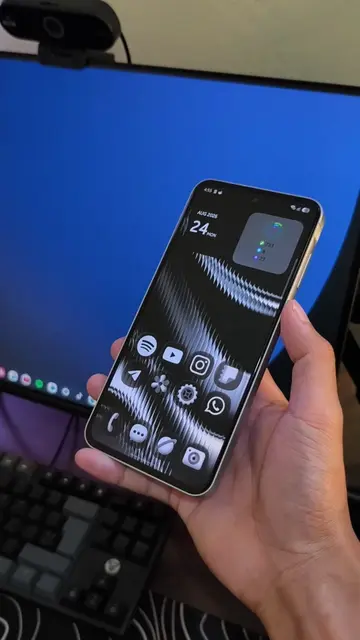
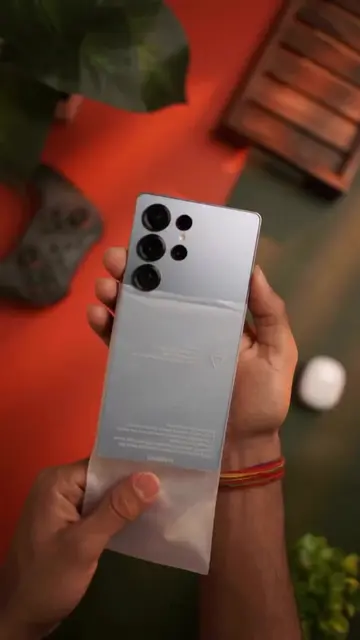
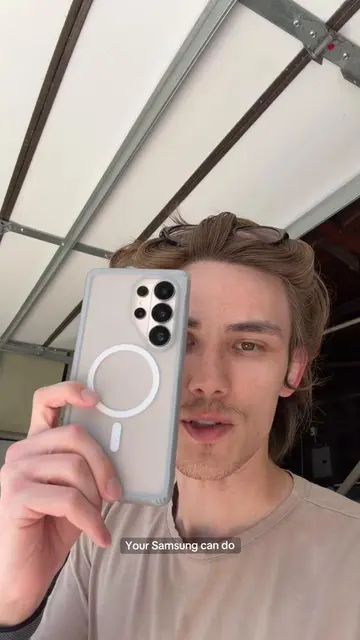
This video demonstrates three tips for users switching from iPhone to Android to make the transition smoother. It covers customizing notification styles, changing the navigation bar to swipe gestures, and altering icon shapes to mimic iOS.
iPhone to Android tips #iphone #apple #fold8 #TechTips
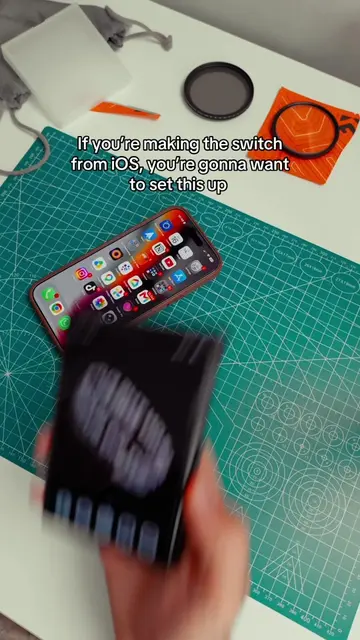
So your making the switch from iPhone to Android
Intro: Switching from iPhone to Android
Tip 1: Customize notification style
Tip 2: Change navigation to swipe gestures
Tip 3: Change icon shapes using Good Lock and Theme Park
Conclusion: These tips make the switch easier
iPhone (ACTS - interface is operated, visible result comes from it, someone says what it does for them - it is used as a reference point for comparison and to demonstrate the difference in UI/UX between iOS and Android. Removing it would change what happens in the video) Android (ACTS - interface is operated, visible result comes from it, someone says what it does for them - it is the primary subject of the demonstration, showing how to customize its UI to mimic iOS. Removing it would change what happens in the video) Good Lock (ACTS - interface is operated, visible result comes from it, someone says what it does for them - it is used to customize the Android phone's UI. Removing it would change what happens in the video) Theme Park (ACTS - interface is operated, visible result comes from it, someone says what it does for them - it is used to customize the Android phone's icon shapes. Removing it would change what happens in the video)
Playing this video’s own audio, so you’ll hear the creator over the sound.
Samsung phone customization app for Galaxy users
All time.
Promotes 5 products. Create free account to see more.
Outliers and viral hits: their videos on Overshot, all time.