Loading video…
All breakouts Locked — upgrade to Pro to open.Open on TikTokPro
No preview available · watch on TikTok below
1.9Creator Economy
Post
Post by @the.stylish.wordsmith
@the.stylish.wordsmith
1.9K followers · usually 1.4K views a post
Views
2.6K
Likes
108
Comments
4
Shares
6
We’re still analyzing this post.
Original caption
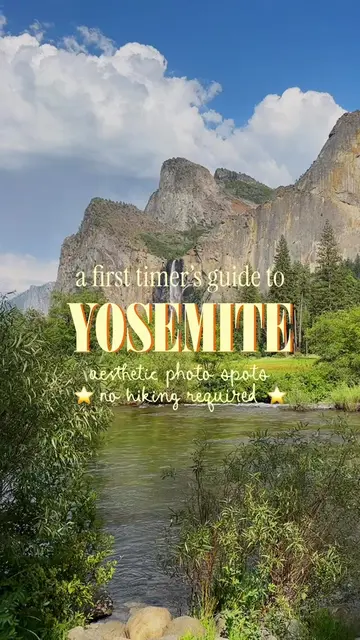
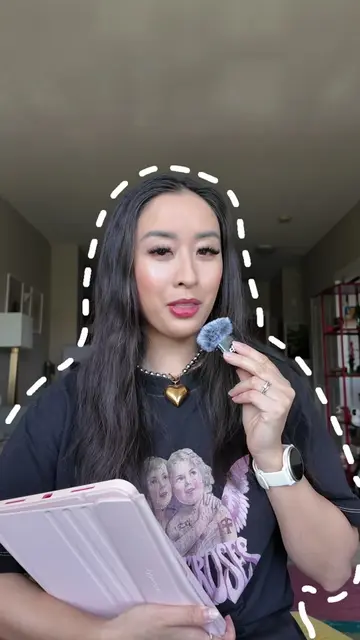
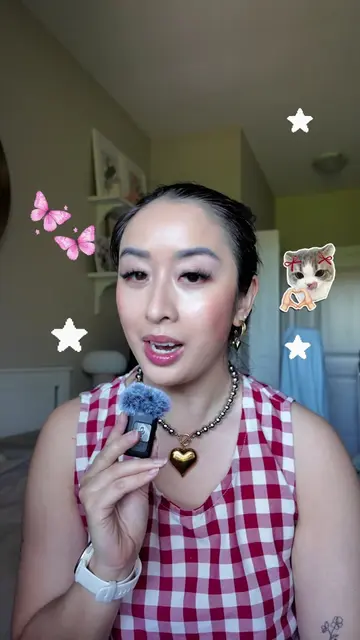
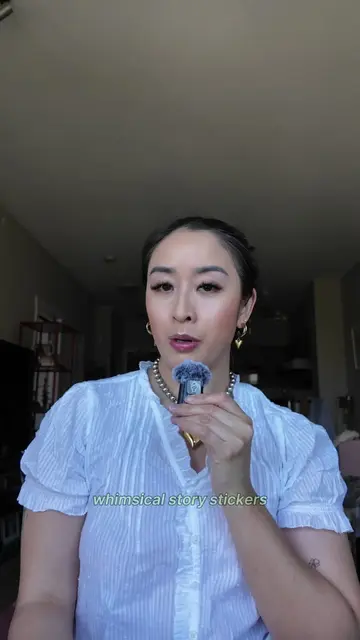
Learn this whimsical floating objects edit for your next video! 🎞️⭐️💞✂️ Want to spice up your video edits? Try this fun, trendy CapCut text effect for your next video! ⭐️ STEP 1: Find a video clip of yourself looking around and add it into CapCut. ⭐️ STEP 2: Search up images that match your theme and download them. ⭐️ STEP 3: Add the images into your CapCut video and place them around yourself. ⭐️ STEP 4: Use the Remove Background tool on each image. ⭐️ STEP 5: Add Keyframes at regular intervals on each image. ⭐️ STEP 6: At each keyframe, move the objects slightly clock-wise to make it appear like they’re floating around you. ⭐️ STEP 7: Complete at least 1-2 rotations of the objects and YOU’RE DONE! 💬 Did you find this tutorial helpful? Let me know in the comments! 🤭🌼💫 — editing tutorial, reel edits, creative edits, animated carousels, animated reels, social media agency owner, adobe express ambassador, photo editing tips, digital scrapbook, digital scrapbooking, editing tips, how I edit, Pinterest aesthetic, canva edits, capcut edits #howiedit #editingtips #capcutedits #editingtutorial
More from @the.stylish.wordsmith
More breakout videos from this creator.