Loading video…
Sound

original sound - mugiwarhaki
MugiwarHaki · Original audio
0:00–:––
Playing this video’s own audio, so you’ll hear the creator over the sound.
The video effectively showcases a niche creative tool (MangaCut) by demonstrating its practical application in a popular genre (manga animation). The step-by-step tutorial format, combined with the visual appeal of the anime character, likely resonated with a target audience interested in animation and editing.
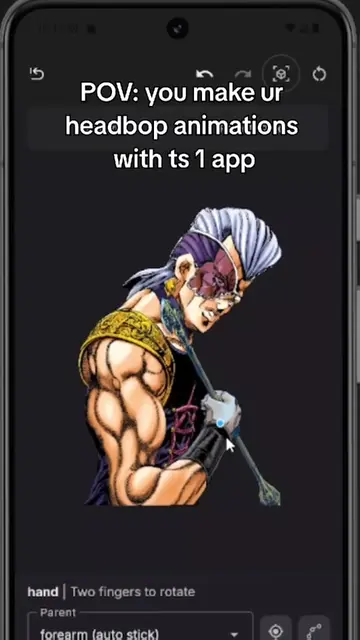
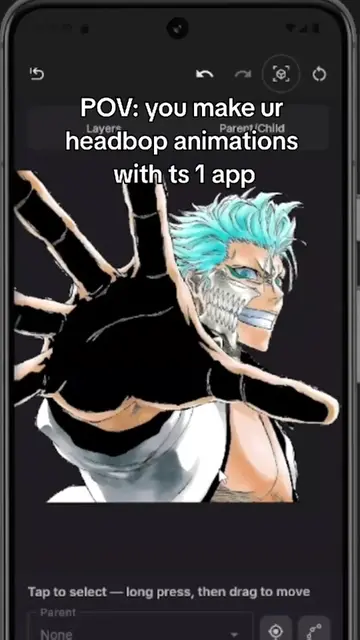
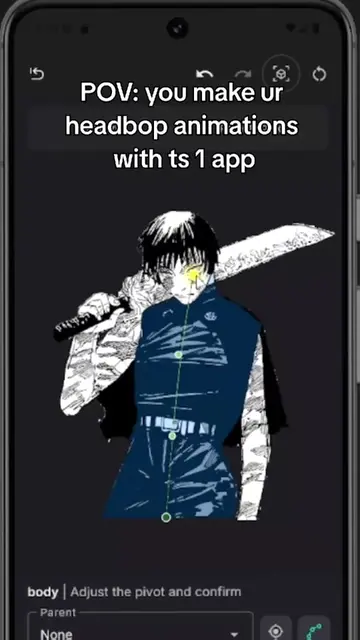
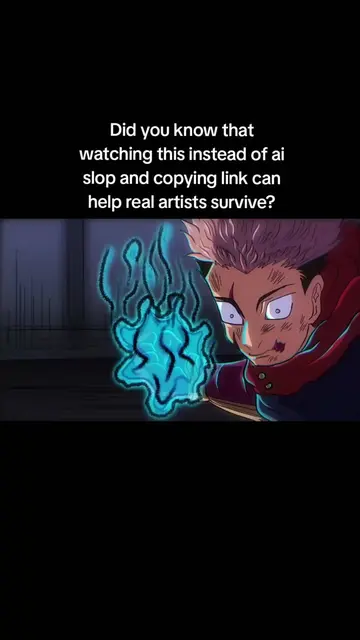
This video demonstrates how to create manga animations using the MangaCut app. It shows the process of masking body parts, creating skeletons with pivot points, and adding keyframes for smooth animation.
i tried making toji manga animation with this app 🤯 app is called mangacut #manga #animation #manganimation #mangaedit #capcut | jjk manga animation tutorial | that one toji manga edit
HOW OLD WERE
Introduce the app and its capabilities
Demonstrate masking and auto-detection
Showcase rigging and skeleton creation
Explain keyframing and animation smoothing
Conclude with the final animation result
MangaCut: ACTS - it is an app used to create manga animations. Removing it would change what happens in the video. CapCut: APPEARS - it is mentioned in the caption as a comparison, but not used in the video. Removing it would not change what happens in the video. Toji: APPEARS - it is a character from a manga, not a product. Removing it would not change what happens in the video.
Playing this video’s own audio, so you’ll hear the creator over the sound.
Promotes 4 products. Create free account to see more.
Outliers and viral hits: their videos on Overshot, all time.
Mobile app for animating manga characters and illustrations
All time.