Loading video…
All breakouts
21.1App DemoOther hookAI Tools
Hook
Agent settings
@pashtoo_ai
41.4K followers · usually 0 views a post
Views
153.3K
Likes
5.2K
Comments
151
Shares
916
Why it worked
The video demonstrates a user-friendly interface for AI video generation, showcasing its capabilities and ease of use. This visual demonstration appeals to users interested in content creation tools and highlights the platform's features in a clear and concise manner.
Summary
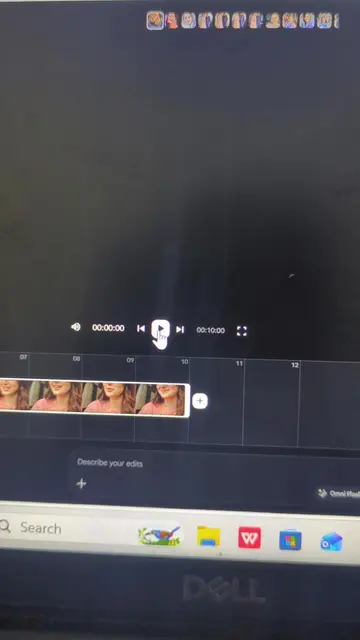
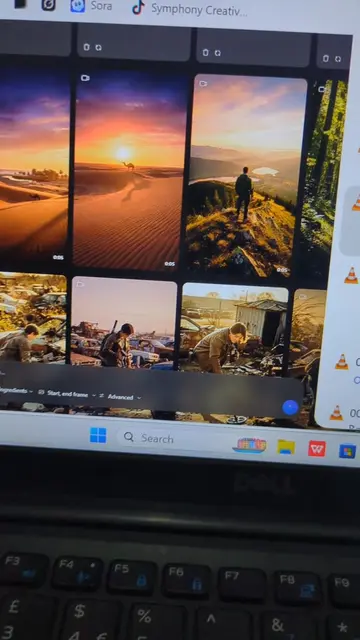
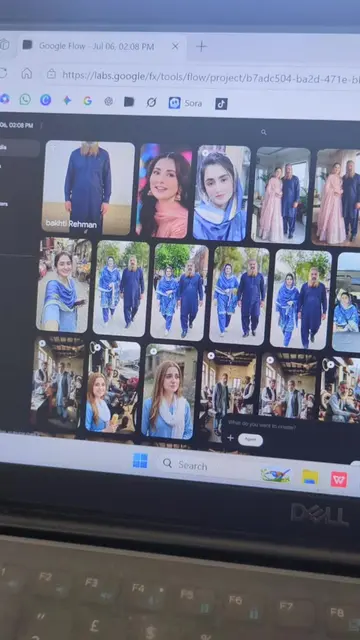
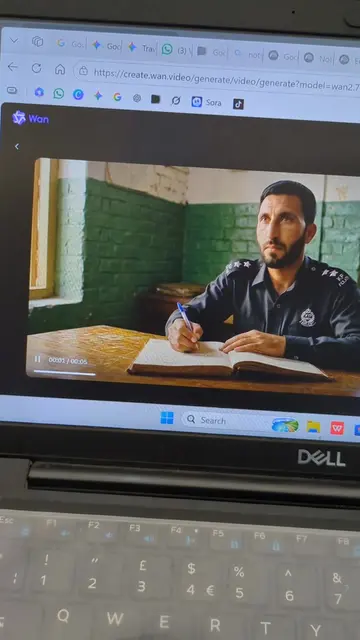
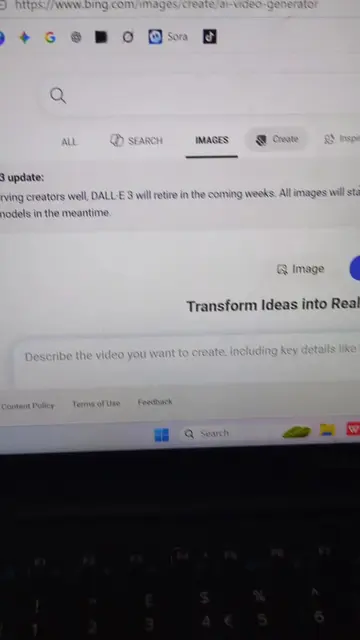
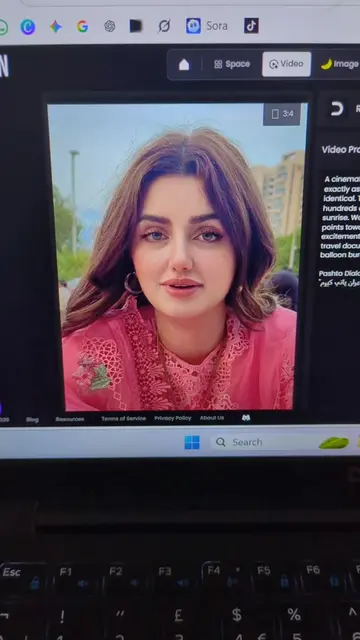
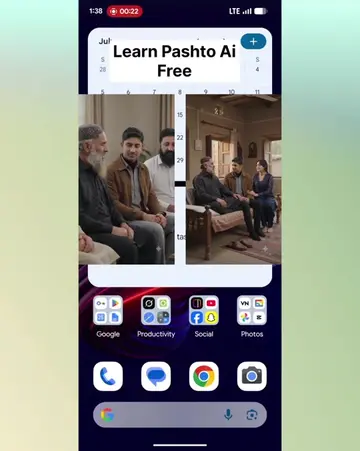
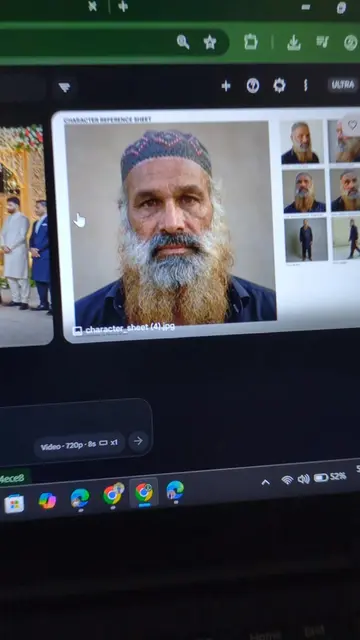
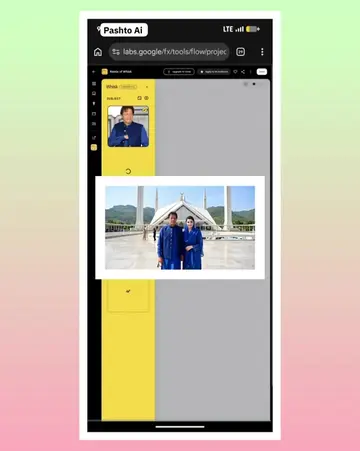
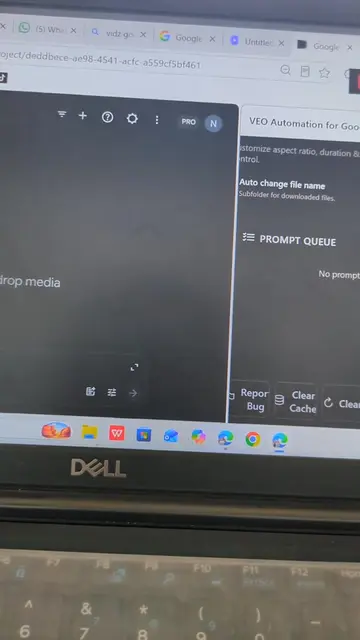
The video shows a user interacting with an AI video generation tool, specifically demonstrating its settings and features. The user navigates through different options for image and video generation, including aspect ratios and video models. The interface also displays options for avatars, ingredients, and generating new clips, along with existing video previews and editing controls.
Structure
- 1Navigating AI video generation settings
- 2Exploring image and video generation options
- 3Selecting video models and aspect ratios
- 4Interacting with the generation interface
- 5Previewing and editing video clips
On-screen text
Agent settings
Confirm before generating
Always
Agent will ask for confirmation before generating media.
Never
Agent will generate media and spend credits automatically.
Image generation default
16:9
4:3
1:1
3:4
9:16
1x
x2
x3
x4
Nano Banana 2
Video generation default
16:9
9:16
1x
x2
x3
x4
Omni Flash
Omni Flash
Veo 3.1 - Lite
Veo 3.1 - Fast
Veo 3.1 - Quality
Save
AI video clip
Veo 3.1
Avatar
Ingredients
Generate
Bad suggestion
Good suggestion
Picture in picture
Insert
Extend
Create from scratch
a couple going to naran in car front side
video of both man says in pashto khazi
kalam de khwakh sho
Landscape
Avatar
Ingredients
Generate
Saved to Drive
Format
Scene
Arrange
Tools
Help
00:00.0 / 00:08.0
Pause
00:00.5 / 00:08.0
Pause
00:01.5 / 00:08.0
Pause
00:02.5 / 00:08.0
Pause
00:03.5 / 00:08.0
Pause
00:04.5 / 00:08.0
Pause
00:05.5 / 00:08.0
Pause
00:06.6 / 00:08.0
Pause
Google Account
Farhad Ali
farhadali.pukhtoon@gmail.com
F
Hi, Farhad!
Manage your Google Account
Hide more accounts
Nishaan
nishaanmarketingpvtltd@gmail.com
F
Faxon Tech
faxontech@gmail.com
FA Academy
faacademy32@gmail.com
Video model
Veo 3.1
Veo 3.1
720p with audio
Original caption
De ke Tasu Freee Long Aii Video hm jorawalii shy - #digitalmarketing #pashtoai #ai #KPYouth
More from @pashtoo_ai
More breakout videos from this creator.