Loading video…
Sound

original sound - zee.creater
zee creater · Original audio
0:00–:––
Playing this video’s own audio, so you’ll hear the creator over the sound.
This video promotes it, but we haven’t matched it to a product page yet, so there are no product figures.
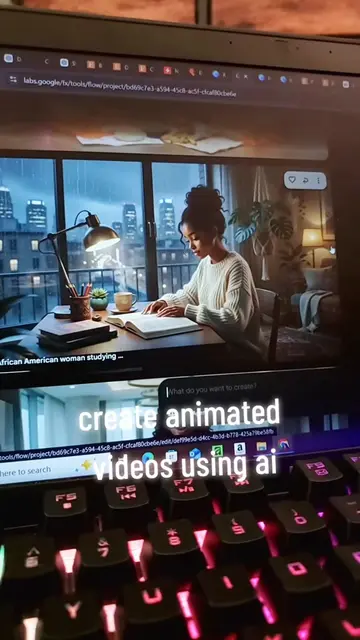
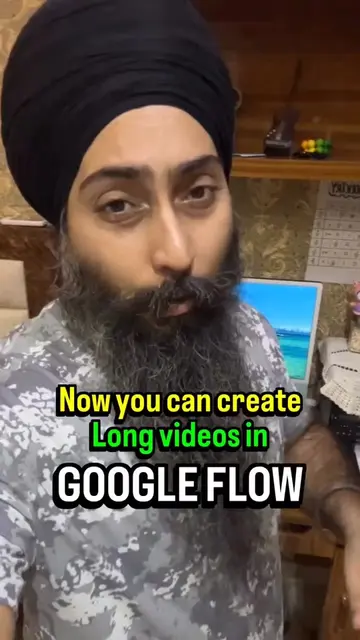
The video provides a clear, step-by-step tutorial on using a new AI tool for video generation, which is a highly sought-after capability for content creators. The use of on-screen text and visual cues makes it easy to follow, and the promise of a future tutorial on AI video creation creates anticipation.
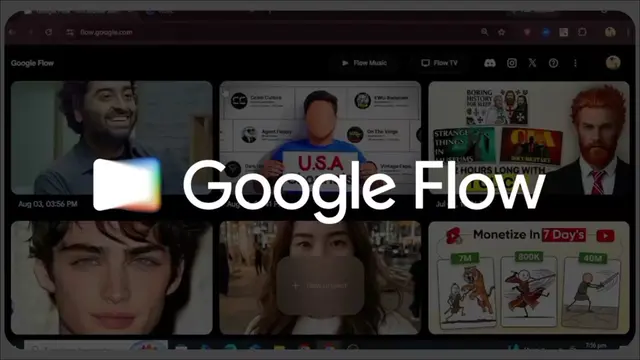
This video demonstrates how to use Google Flow AI to create videos. It guides viewers through downloading the app, selecting video options like aspect ratio and duration, and choosing a generation model. The tutorial explains how to input a script and upload an image to generate a video, highlighting the use of AI credits.
part-01 | GoogleflowAI interface tutorial #googleflowAi #typography #contentcreator #videoediting #zeecreater
ZEE CREATOR Assalam u alaikum
Introduction and welcome
Downloading and opening Google Flow
Selecting image/video generation options
Choosing aspect ratio and duration
Selecting a video generation model (Veo 3.1 - Lite)
Inputting script and uploading image for video creation
Preview of next tutorial and farewell
ZEE CREATOR (appears, logo, does not change video content) Google Flow (acts, it is an app that generates videos and images, removing it would change the video content) Google Labs (appears, part of the app name, does not change video content) AI (appears, part of the app name, does not change video content) AI Credits (acts, it is a resource used by the app, removing it would change the video content) Omni Flash (acts, it is a video generation model within the app, removing it would change the video content) Veo 3.1 - Lite (acts, it is a video generation model within the app, removing it would change the video content) Veo 3.1 - Fast (acts, it is a video generation model within the app, removing it would change the video content)
Playing this video’s own audio, so you’ll hear the creator over the sound.
Promotes 4 products. Create free account to see more.
Outliers and viral hits: their videos on Overshot, all time.