Loading video…
All breakouts

17.7App DemoHow-To hookEducation
Hook
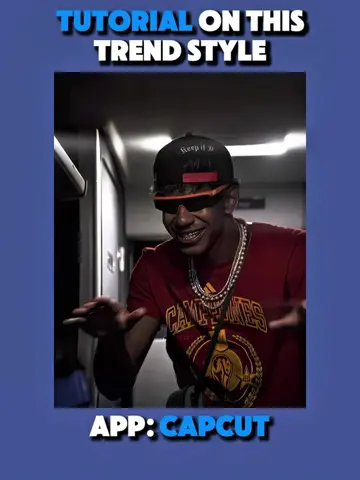
TUTORIAL ON THIS TREND STYLE
@ketikajazan
1.9M followers · usually 12.8K views a post
Views
213.6K
Likes
8.7K
Comments
171
Shares
477
Why it worked
The video effectively leverages a popular anime aesthetic and a trending editing style, making it highly shareable and engaging for a niche audience. The step-by-step tutorial format, combined with the use of AI features, makes complex editing accessible, driving interest and encouraging users to try the app.
Summary
This video provides a tutorial on how to create a viral anime editing trend using the CapCut app. It demonstrates how to use AI editing features to dress anime characters in soccer jerseys and create smooth transitions.
Structure
- 1Introduce the trend and the app used (CapCut).
- 2Demonstrate AI editing to change character outfits.
- 3Show how to add and edit overlays with keyframes.
- 4Apply effects like shake and motion blur.
- 5Export and re-import the video for final touches.
Product placement
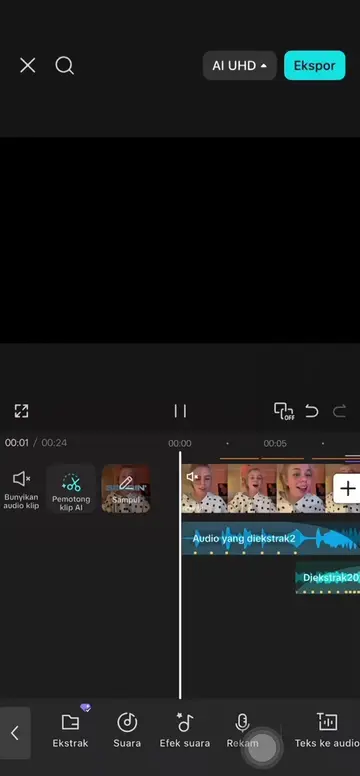
The video is a tutorial demonstrating how to use the CapCut app to edit anime characters and create a specific trend. The CapCut interface is shown throughout the video, and its features like AI edit, AI remove, and motion blur are highlighted.
Original caption
Tutorial on this viral anime "Basin Boret" @Usume || What other trend would you like a tutorial on? #CapCut #capcutpioneer #capcutphoto #seedream5pro #edittutorial
More from @ketikajazan
Their other posts in the index, biggest breakout first.