Loading video…
All breakouts

9.4App DemoHow-To hookEducation
Hook
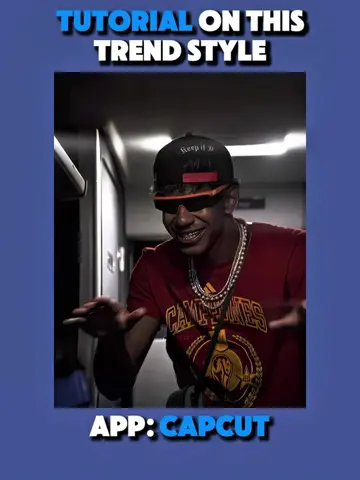
TUTORIAL ON THIS TREND STYLE
@ketikajazan
1.9M followers · usually 12.8K views a post
Views
113.6K
Likes
7.0K
Comments
127
Shares
540
Why it worked
The video effectively demonstrates a popular visual trend using a widely accessible editing app (CapCut) and its AI features. The step-by-step tutorial format, combined with clear on-screen text and visual cues, makes it easy for viewers to follow along and replicate the effect, driving engagement and shares.
Summary
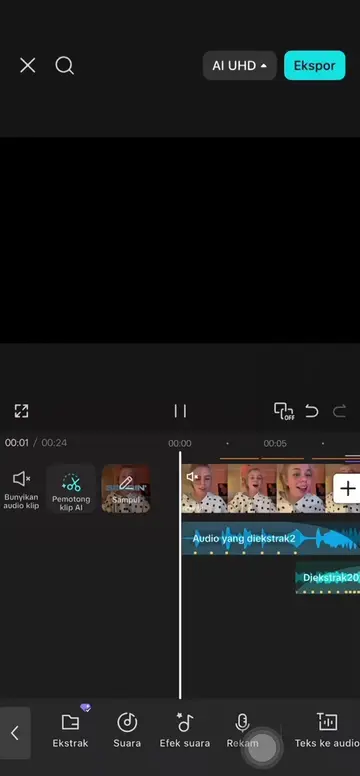
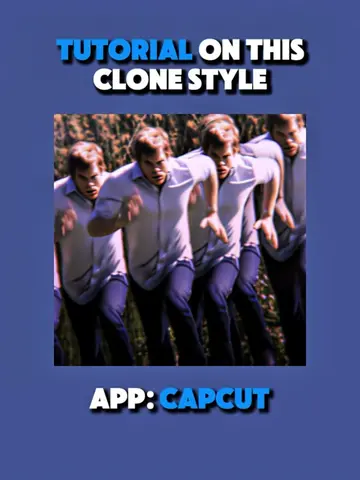
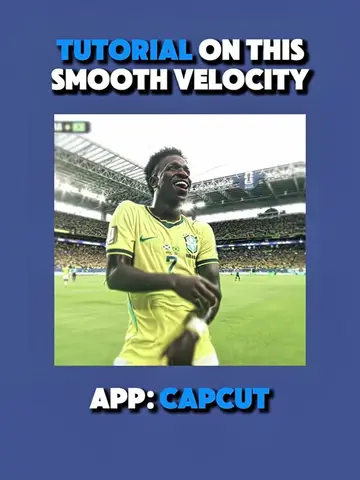
This video provides a tutorial on how to create a viral anime style trend using the CapCut app. It demonstrates how to use AI editing features, manipulate image overlays, apply effects like blur and shake, and adjust keyframes to achieve the desired visual style. The creator also mentions sharing the lyrics used in the video on their bulletin board.
Structure
- 1Introduction to the trend and app
- 2Using AI edit for anime character generation
- 3Layering and timing overlays
- 4Applying effects and adjustments
- 5Finalizing the video and sharing lyrics
Product placement
Original caption
Tutorial on this viral anime style "Pump(铁拳教育 爽感拉满)" @Usume || What other trend would you like a tutorial on #CapCut #capcutpioneer #capcutphoto #seedream5pro #edittutorial
More from @ketikajazan
Their other posts in the index, biggest breakout first.