Loading video…
All breakouts

5.6App DemoHow-To hookEducation
Hook
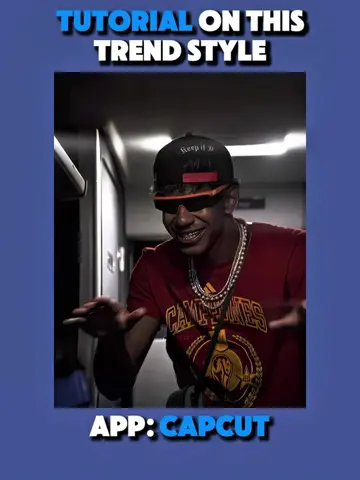
TUTORIAL ON THIS HERO TREND STYLE
@ketikajazan
1.9M followers · usually 12.8K views a post
Views
67.4K
Likes
4.2K
Comments
120
Shares
256
Why it worked
The video leverages a popular "hero trend" on TikTok, which is visually engaging and taps into fan culture. By providing a clear, step-by-step tutorial using a widely accessible app like CapCut, it offers immediate value and encourages user participation and sharing.
Summary
This video provides a tutorial on how to create a "hero trend" style edit using the CapCut app. It demonstrates how to freeze a clip, use AI editing features to transform a person into a superhero, and apply various effects and overlays to achieve the final look.
Structure
- 1Introduction to the hero trend style and app
- 2Freezing a clip and using AI edit for transformation
- 3Applying strokes, glow, and fade effects
- 4Using overlays and background removal
- 5Finalizing the edit with keyframes and masks
Product placement
CapCut is featured prominently as the editing software used to create the video effect. The tutorial guides users through various CapCut features like AI edit, AI remove, masks, and overlays.
Original caption
Tutorial on this viral football x hero "Sem Controle" @10Mov_Edits || What other trend would you like a tutorial on? #CapCut #capcutpioneer #capcutphoto #seedream5pro #edittutorial
More from @ketikajazan
Their other posts in the index, biggest breakout first.