Loading video…
Sound

original sound - coco_created1
Coco|Video editor🤎 · Original audio
0:00–:––
Playing this video’s own audio, so you’ll hear the creator over the sound.
Hook
Posted Jul 12, 2026Video · 0:53by @coco_created1
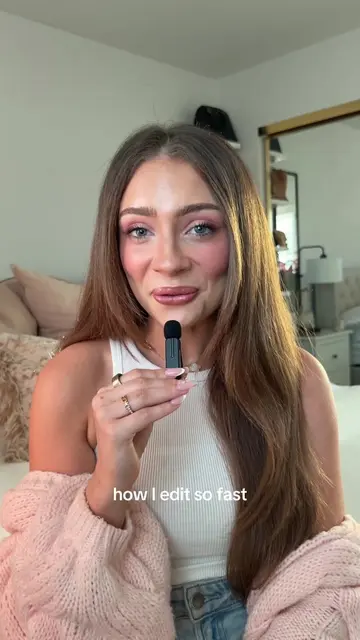
The video provides a clear and concise tutorial on a popular video editing technique, using a widely accessible app (CapCut). The creator's personal settings and before/after examples make the information practical and easy to follow.
This video provides a mini-tutorial on how to color grade videos using the CapCut app. The creator demonstrates how to adjust brightness, contrast, saturation, sharpness, and temperature to achieve a desired look.
Follow this mini guide to color grading your videos, I have some color grading presets on my page already incase you want to replicate them ❤️ #tutorial #videoedit #videoeditor #capcut #viral
I've been getting lots of requests on how I color grade my videos.
Introduction to color grading requests
Before and after comparison
Demonstration of CapCut's adjustment features
Explanation of brightness, contrast, and saturation
Explanation of sharpness and temperature
Concluding remark on desired warmth
CapCut (app): used to edit and color grade videos. Its interface is operated, showing adjustments like brightness, contrast, saturation, sharpness, and temperature. Removing it would change what happens in the video.
Playing this video’s own audio, so you’ll hear the creator over the sound.
Promotes 1 product. Create free account to see more.
Outliers and viral hits: their videos on Overshot, all time.
Video editing app for creators making social media videos
Views and creators: posted in the last 30 days (English videos). Videos: all time.