Loading video…
Sound

original sound - narayan.risal
Narayan Prasad Risal · Original audio
0:00–:––
Playing this video’s own audio, so you’ll hear the creator over the sound.
The video effectively demonstrates a novel and free AI tool within a popular platform (TikTok), showcasing a tangible and impressive result (AI-generated video) that is easily replicable by viewers, thus driving engagement and potential virality.
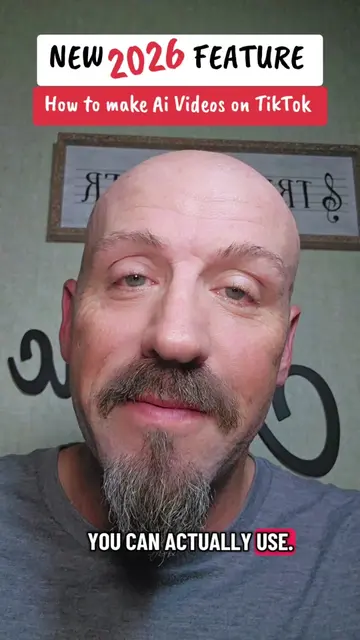
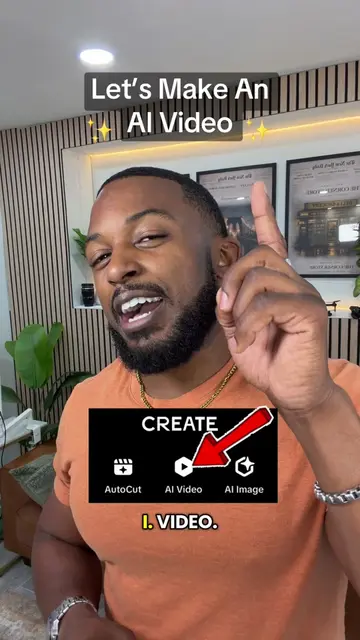
The creator demonstrates how to use TikTok's AI Cast feature to convert text into video. The tutorial shows how to access the feature through the profile's '+' button and input text to generate a video, highlighting that it is free and produces realistic results.
How To Create AI Video ? Convert Your Text To Video. Create AI Videos Fast. #TikTokCreatorSearchInsightsIncentive #videomaking #aivideos #aicreator #techtrends
Convert your text to video AI Cast
Introduction to text-to-video conversion on TikTok
Demonstration of AI Cast feature with a soccer-themed video
Step-by-step guide to accessing and using AI Cast
Inputting text prompt and generating a b-boying dance video
Showing the generated video and encouraging use of hashtags
Call to follow for more information
AI Cast (ACTS - interface is operated to generate video based on text input; removing it would change what happens in the video)
Click the '+' button on your profile, then click the AI Cast feature, then type your text and click Action.
Playing this video’s own audio, so you’ll hear the creator over the sound.
Promotes 4 products. Create free account to see more.
Outliers and viral hits: their videos on Overshot, all time.
TikTok feature for creating AI-generated videos of yourself
All time.