Loading video…
All breakouts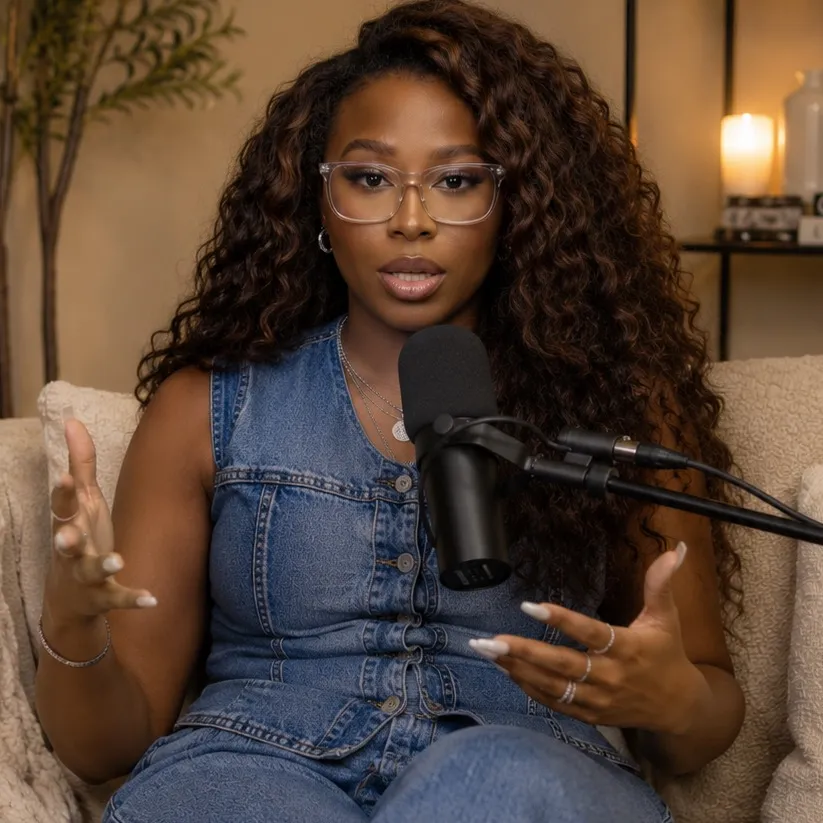
5.5Talking HeadHow-To hookCreator Economy
Hook
How to edit videos
@iambreajones
248.2K followers · usually 2.0K views a post
Views
10.8K
Likes
723
Comments
31
Shares
81
Promoted product
CapCut editing presets toolkithttps://stan.store/iambreajones ↗
Why it worked
The video offers a practical solution to a common pain point (time-consuming video editing) by showcasing a feature within a popular app (CapCut presets). The creator's promise of saving significant time and their offer of a comprehensive toolkit, combined with a clear call to action, likely resonated with viewers looking for editing efficiency.
Summary
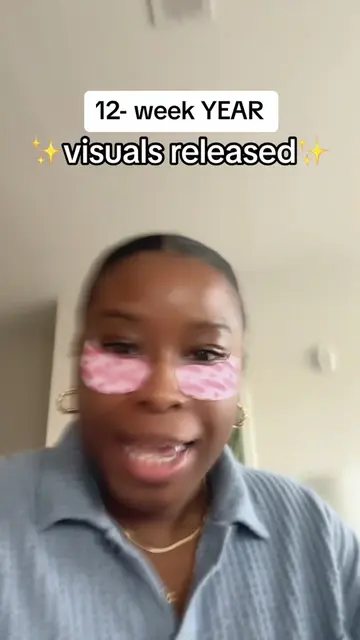
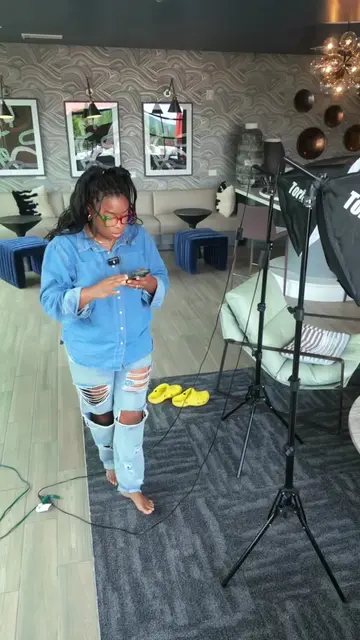
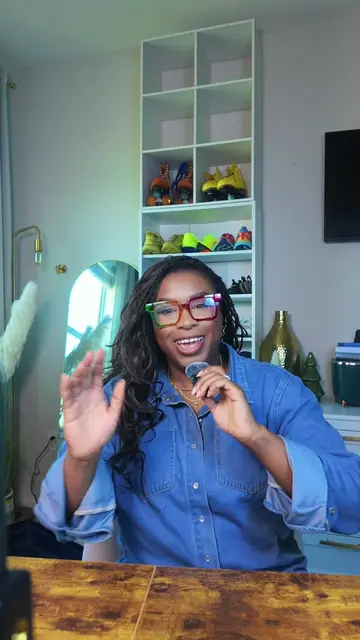
This video explains how to create and use CapCut presets to speed up video editing. The creator demonstrates how to save individual edits as presets and then re-use them across multiple videos to maintain a consistent brand aesthetic.
Structure
- 1Introduction to editing presets
- 2Demonstration of saving presets
- 3Explanation of re-using presets
- 4Promotion of a paid toolkit with more presets and tips
Product placement
The video promotes CapCut editing presets and a paid toolkit containing these presets and editing tips. The creator shows the CapCut interface and explains how to save and reuse edits as presets.
Call to action
Check out the top of my profile for my full toolkit.
Original caption
editing used to take me HOURS and it was making me hate posting 😮💨 now it's like 15 minutes, all because of presets. 👆 if you want my full toolkit... every preset + the exact steps + the done-for-you versions are at the top of my profile!
More from @iambreajones
More breakout videos from this creator.