Loading video…
Sound

original sound - haikuotiankongdeyun
Serein · Original audio
0:00–:––
Playing this video’s own audio, so you’ll hear the creator over the sound.
The video provides a practical and visually appealing demonstration of how to use a specific editing tool to solve a common problem for concert-goers (poor lighting conditions in photos). The use of clear, step-by-step instructions and relatable examples makes it easy for viewers to understand and replicate the process, driving engagement and interest in the app.
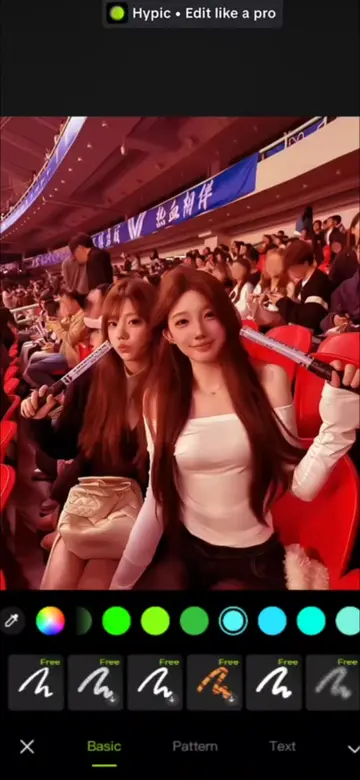
The video demonstrates how to use the Hypic photo editing app to adjust colors in concert photos. It shows examples of using different colors to edit photos taken in various lighting conditions, such as red, yellow, and overexposed images.
Hypic is a powerful photo editing tool. @hypic_global @hypic_vn_official #hypic #hypiccreator #hypicATETHAT #Godpic
演唱会照片太红就用青色
Demonstrate editing red-toned concert photos with blue
Demonstrate editing yellow-toned concert photos with blue
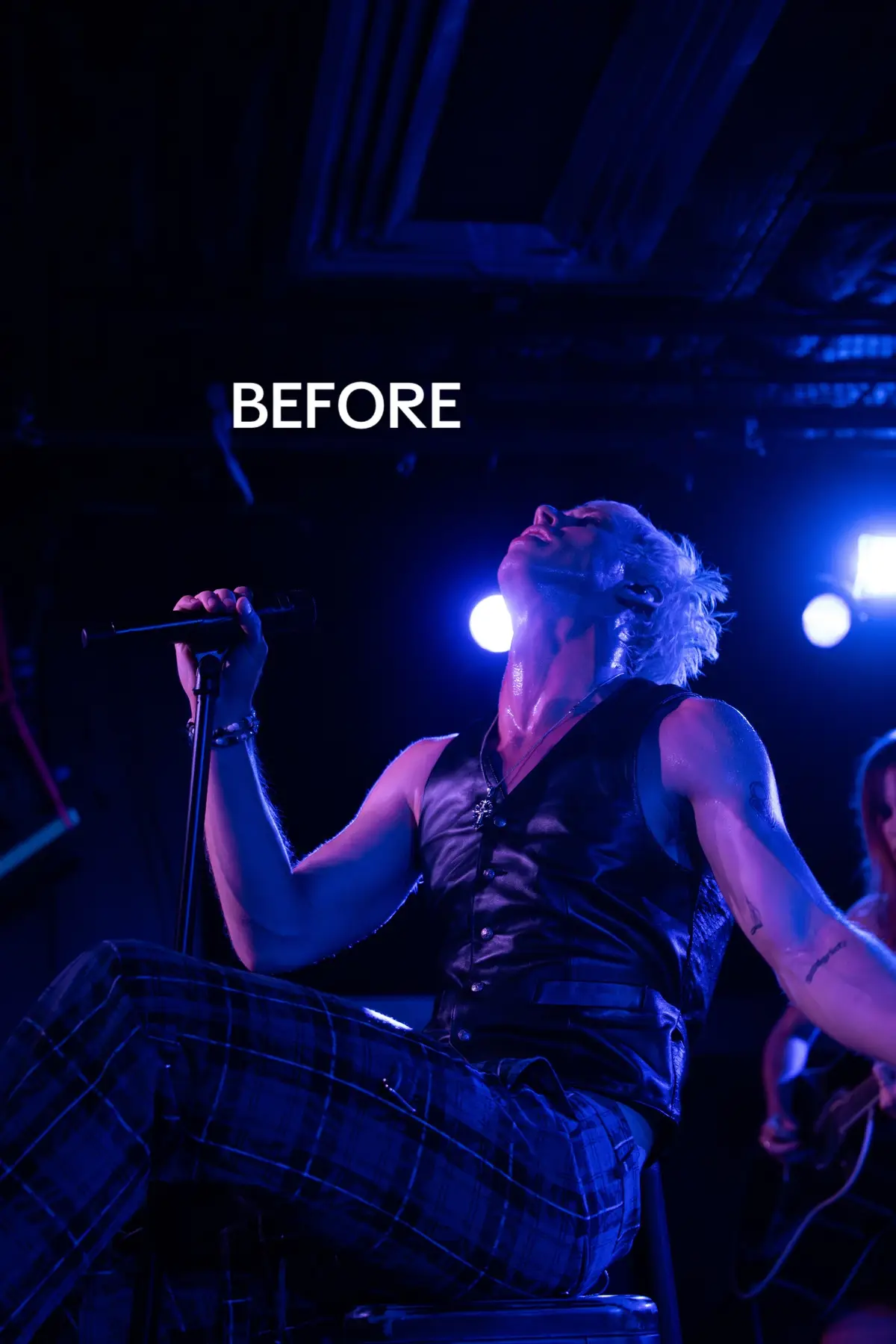
Demonstrate editing overexposed concert photos with black
Showcase the Hypic app interface and editing process
Final edited images
Hypic: ACTS - it is a photo editing app that is being used to edit photos. Removing it would change what happens in the video.
Playing this video’s own audio, so you’ll hear the creator over the sound.
Promotes 1 product. Create free account to see more.
Outliers and viral hits: their videos on Overshot, all time.
AI photo-editing app for people creating retouched and stylized images
Views and creators: posted in the last 30 days (English videos). Videos: all time.