Loading video…
Sound

original sound - haikuotiankongdeyun
Serein · Original audio
0:00–:––
Playing this video’s own audio, so you’ll hear the creator over the sound.
The video effectively demonstrates a specific, useful editing function within the Hypic app, appealing to users who attend concerts or want to enhance their photos with similar lighting conditions. The clear, step-by-step visual guide and the use of popular music/concert aesthetics likely contributed to its reach.
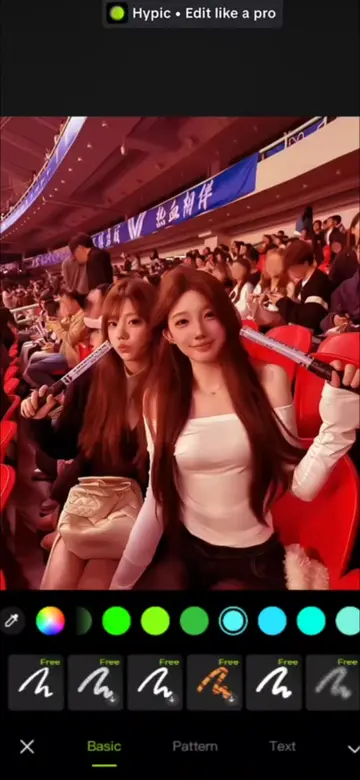
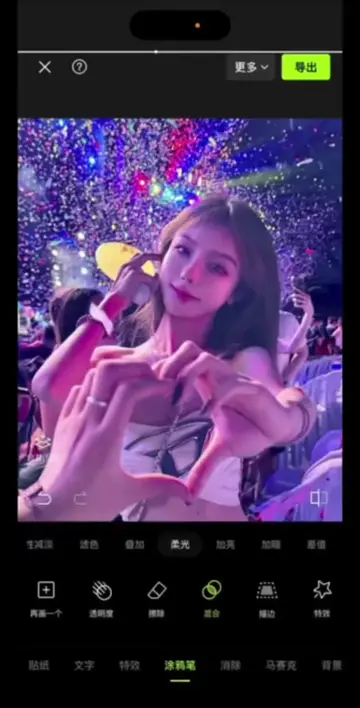
The video demonstrates how to use the Hypic app to edit photos, specifically by applying different color filters and effects to concert footage. The creator shows how to remove red and purple light casts, and then apply a yellow filter, instructing viewers to learn the next step.
Hypic is a powerful photo editing tool. @hypic_global @hypic_vn_official #hypic #hypiccreator #hypicATETHAT #Godpic
演唱会去红光
Demonstrate removing red light filter
Demonstrate removing purple light filter
Demonstrate applying yellow light filter
Showcase final edited images
Encourage learning the next step
Hypic: It ACTS as a photo editing tool. Removing it would change what happens in the video. Hypic • Edit like a pro: This is text that appears on screen, associated with the Hypic app. Removing it would not change what happens in the video.
Playing this video’s own audio, so you’ll hear the creator over the sound.
AI photo-editing app for people creating retouched and stylized images
Views and creators: posted in the last 30 days (English videos). Videos: all time.
Promotes 1 product. Create free account to see more.
Outliers and viral hits: their videos on Overshot, all time.