Loading video…
Sound

Everything's Fine (AM)
Alok & Jennifer Lopez
0:00–:––
- Videos using it
- 4
- Views on those videos
- 1.1M
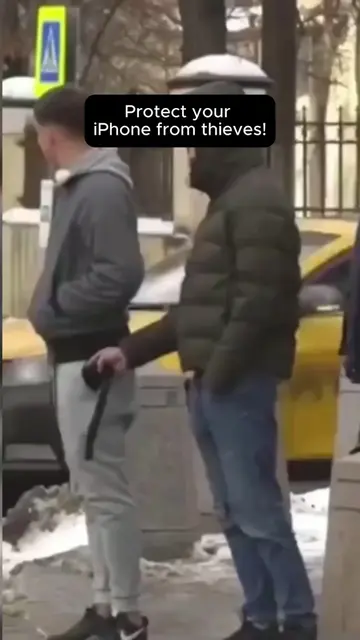
The video addresses a common fear (phone theft) with a practical, actionable solution using a readily available app (Shortcuts). The clear step-by-step demonstration and the dramatic reenactment make the concept easy to understand and highly shareable.
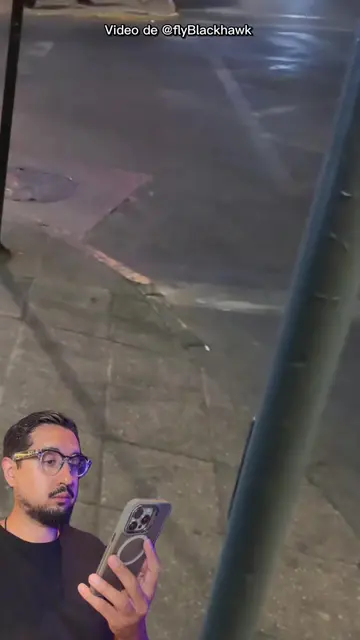
This video demonstrates a security automation for iPhones that can be triggered by receiving a message with the keyword "SOS". The automation takes a photo with the front camera, sends it to a trusted contact, and locks the phone, which can help deter thieves.
COMENTA: você acha que essa automação realmente atrapalharia um ladrão? Com o app Atalhos, dá para configurar o iPhone para tirar uma foto com a câmera frontal, enviar a imagem para um contato de confiança e bloquear a tela ao receber uma mensagem com uma palavra-chave. Isso pode ajudar se o aparelho for roubado desbloqueado ou se alguém descobrir sua senha. PASSO A PASSO: 1. Abra o app Atalhos. 2. Vá em Automação. 3. Toque em “+” para criar uma nova automação. 4. Escolha Mensagem. 5. Defina uma palavra-chave fácil de lembrar, como “SOS”. 6. Marque Executar Imediatamente. 7. Toque em Seguinte e depois em Criar Novo Atalho. 8. Busque por Tirar Foto. 9. Troque para a câmera frontal. 10. Desative Mostrar Pré-visualização. 11. Adicione a ação Enviar Mensagem. 12. Use a foto como conteúdo e escolha um contato de confiança. 13. Adicione a ação Bloquear Tela. 14. Salve e teste enviando a palavra-chave escolhida para o seu número. Essa automação não substitui outras proteções. Mantenha o Buscar iPhone ativado e configure a Proteção de Dispositivo Roubado. Se o celular for roubado, ative o Modo Perdido, bloqueie a linha com a operadora, solicite o bloqueio do IMEI, troque senhas importantes e registre o boletim de ocorrência. Se necessário, apague o iPhone à distância. Compartilhe este passo a passo com quem usa iPhone. #iPhoneRoubado
TIRAR FOTO E BLOQUEAR IPHONE NA MÃO DO LADRÃO
Introduction to the problem of phone theft
Explaining the solution: an iPhone automation
Step-by-step guide to setting up the automation
Demonstrating the automation in action
Concluding with advice on further security measures
iPhone: acts - it is the device being configured and used to demonstrate the security feature. Removing it would change what happens in the video. Atalhos (Shortcuts app): acts - it is the app used to create the automation. Removing it would change what happens in the video. Luca Pucci: appears - it is the creator's name shown on screen. Removing it would not change what happens in the video.
Compartilha com todo mundo e dá uma olhada no meu perfil pra mais dicas assim
Promotes 9 products. Create free account to see more.
Outliers and viral hits: their videos on Overshot, all time.
IPhone automation app for people who want to create shortcuts and automate tasks
All time.