Loading video…
Sound

original sound - tycotech.ca
tycotech · Original audio
0:00–:––
Playing this video’s own audio, so you’ll hear the creator over the sound.
This video promotes it, but we haven’t matched it to a product page yet, so there are no product figures.
The video addresses a common security concern for iPhone users by providing a practical, actionable solution. The 'Stolen Device Protection' feature is relatively new and not widely known, making it valuable information for a broad audience concerned about device security.
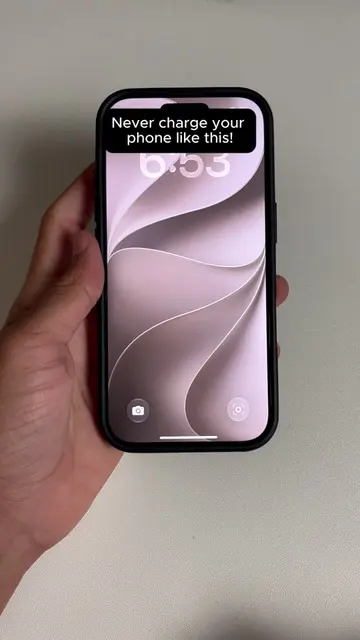
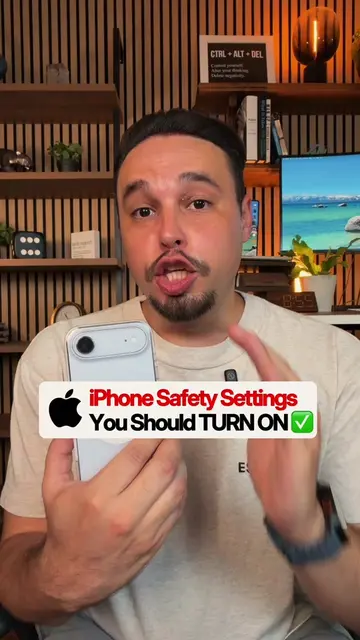
This video demonstrates how to enable the 'Stolen Device Protection' feature on an iPhone to prevent thieves from accessing the device even if they know the passcode. The tutorial guides users through the settings to activate this security layer, which requires Face ID for sensitive changes when away from familiar locations.
If someone steals your iPhone and knows your passcode they can still get locked out with this one setting that most people never turn on. Share this with someone you want to protect. 👏 #TechHacks #iPhoneTips #iPhoneTricks #apple #ios27
Protect your iPhone from thieves!
Introduction to iPhone theft risk
Navigate to Face ID & Passcode settings
Locate and enable Stolen Device Protection
Configure security delay settings
Explanation of the security benefit
iPhone (acts): A smartphone that is the subject of the video. Removing it would change the video's topic. Apple (appears): The brand of the iPhone. Removing it would not change what happens in the video.
Share this with someone you want to protect.
Playing this video’s own audio, so you’ll hear the creator over the sound.
Promotes 2 products. Create free account to see more.
Outliers and viral hits: their videos on Overshot, all time.