Loading video…
Sound

original sound - marcusvtech_
marcusvtech_ · Original audio
0:00–:––
Playing this video’s own audio, so you’ll hear the creator over the sound.
This video promotes it, but we haven’t matched it to a product page yet, so there are no product figures.
The video provides a practical and often overlooked tip for iPhone users, addressing a common pain point (battery life) with a simple, actionable solution using a built-in app. The clear demonstration and relatable advice likely resonated with a broad audience.
This video explains what the iPhone's low power mode actually does, beyond just reducing background activity. It demonstrates how to create an automation using the Shortcuts app to automatically disable low power mode when the iPhone is connected to a charger.
Muita gente usa o modo pouca energia do jeito errado e perde desempenho sem precisar. Assista ao vídeo e entenda quando vale a pena ativar. 📲🪫 #VTech #TechDescomplicada #DicaDeiPhone #ModoPoucaEnergia #BateriaDoIPhone #Apple #iPhone #DicasTech #Tecnologia
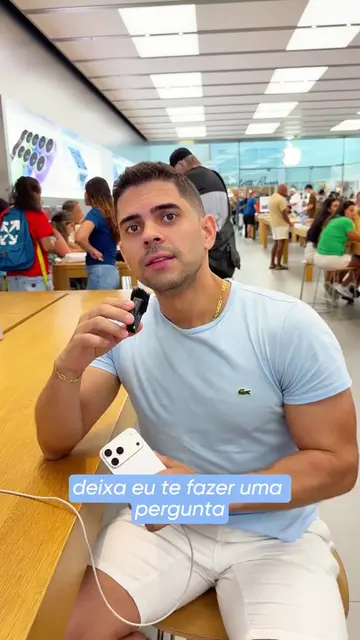
todo mundo usa o modo pouca energia do iPhone
Introduction to low power mode
Explanation of what low power mode does
How to automate disabling low power mode
Demonstration of the Shortcuts app automation
Conclusion and call to share
iPhone: ACTS - it is the device being discussed and its features are being explained and manipulated. Removing it would change the video. Apple: APPEARS - it is the brand of the iPhone, but not actively used or promoted. Removing it would not change the video. Shortcuts app: ACTS - it is used to create an automation. Removing it would change the video.
agora envia pra um amigo que precisa ficar por dentro dessa dica
Playing this video’s own audio, so you’ll hear the creator over the sound.
Outliers and viral hits: their videos on Overshot, all time.