Loading video…
All breakouts
81.4App DemoListicle hookAI Tools
Hook
1,000+ Premium UI Assets for Vibe Coders & Designers 🤯
@marcelodesignx
504.6K followers · usually 13.4K views a post
Views
1.1M
Likes
14.9K
Comments
40
Shares
694
Why it worked
The video provides high-value, actionable utility by showing a clear, efficient workflow for designers and developers to improve their output using a specific tool.
Summary
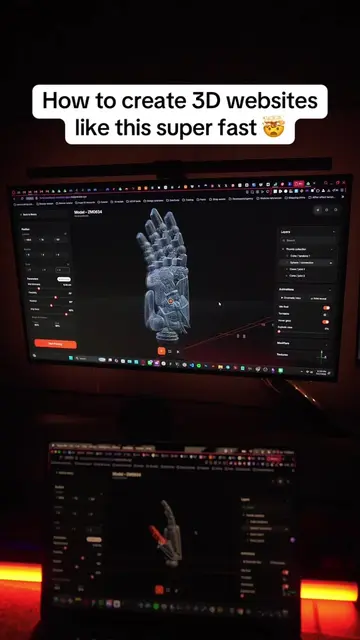
The video demonstrates how to use the HorizonX platform to find and select premium UI assets and design components. It shows a step-by-step process of browsing the site and importing the chosen designs into Figma.
Structure
- 1Introduction to UI assets
- 2Navigating to the HorizonX website
- 3Browsing the available design templates
- 4Selecting a preferred design
Original caption
1,000+ Premium UI Assets for Vibe Coders & Designers 🤯 Your AI is only as good as the context you give it. HorizonX gives you instant access to premium design resources you can use to create better-looking websites, apps, and digital products without starting from scratch. ✅ Premium UI components ✅ Complete design systems ✅ Three.js projects ✅ Website and landing page sections ✅ App templates ✅ Pro-grade vibe-coding prompts ✅ Production-ready assets Feed better design references into your AI. Build faster. Ship interfaces with actual taste. Less AI slop. More taste. Ship faster. #uiux #vibecoding #websites #ai #horizonx @HorizonX.so
More from @marcelodesignx
More breakout videos from this creator.